Convert an editable Word file into a stable reading copy without overlooking layout changes. This tutorial focuses on a repeatable real-world task you can test on a sample file, not an unverified performance claim. LibreOffice is a desktop office suite; application menus and options may differ by operating system and release.
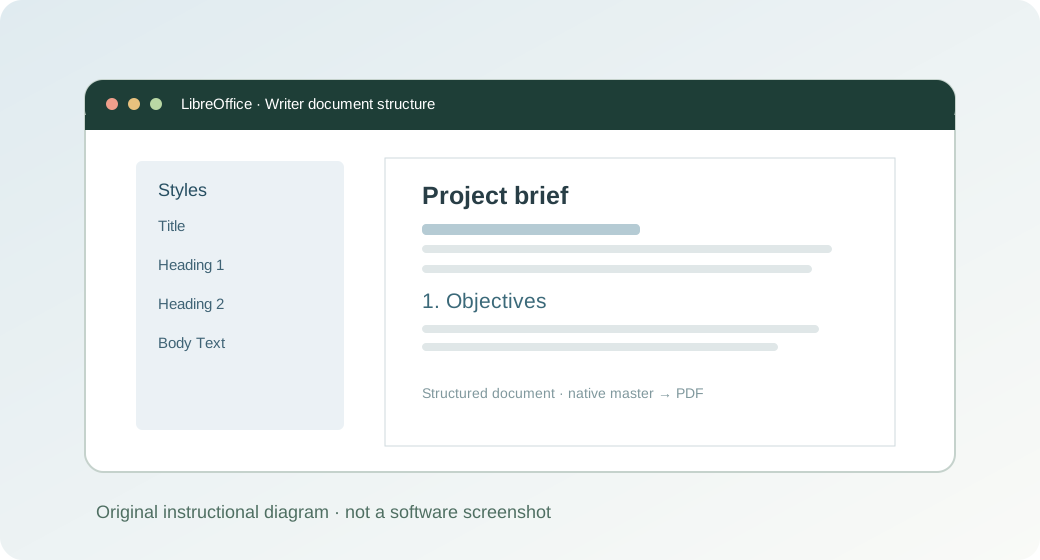
How to do it: a practical workflow
Work on a copy of your files when learning a new application. The sequence below gives you a testable outcome and a way to verify the result.
- Step 1. Open a copy of the DOCX in Writer rather than modifying the only original.
- Step 2. Check missing fonts, page breaks, lists, footnotes and embedded images.
- Step 3. Use Writer’s PDF export workflow and save the result with a descriptive filename.
- Step 4. Open the PDF in a separate viewer and inspect the first, middle and last pages.
- Step 5. If a complex DOCX changes significantly when opened, ask the source author for a PDF export from the original application instead.
Worked example you can recreate
A 25-page contract draft has page-numbered clauses and annex tables. Compare the original DOCX and exported PDF for clause numbering, signatures and attachment placement before distribution.
Common problems and what to verify
PDF export cannot fix a DOCX that already rendered incorrectly inside Writer. Verify the imported source first.
Before handing a document to someone else, open the output in the format that person will use. Check the content and key calculations rather than relying on an export-success notification.
Quick answer
Can LibreOffice batch-convert documents?
LibreOffice has command-line conversion capabilities, but automated use should be tested on copies with the chosen operating system and version.
Official reference and download
These instructions draw on documentation from The Document Foundation. For current user-interface details, refer to the official guide for this topic ↗. Download installation files only from LibreOffice's official download page ↗.
Keep learning
Each of these related guides answers a different task, so you can move from basic setup to a more specific workflow without repeating the same overview.
Independent educational coverage. Trebuchet is not affiliated with or endorsed by The Document Foundation. This article describes documented workflows and illustrative examples; it is not a report of hands-on benchmarking or testing.