LibreOffice Guide Hub
Practical LibreOffice guides for Writer, Calc, Impress, Draw, Base and Math: learn a task, try a small example, and check the official source.
Start Here workflows
 Start Here · GUIDE
How to Download and Install LibreOffice on Windows
Find the genuine LibreOffice installer, choose the right system build, and confirm Writer and Calc launch correctly.
Read the guide ↗ Start Here · GUIDE
LibreOffice vs Microsoft Office: What Changes in Real Work?
Compare file formats, offline use, collaboration and Excel-specific workloads before moving an office workflow.
Read the guide ↗ Start Here · GUIDE
LibreOffice vs Google Docs: Offline Editing or Browser Collaboration?
Understand which tasks benefit from a desktop office suite and which need browser-based live collaboration.
Read the guide ↗ Start Here · GUIDE
ODT, ODS, DOCX and XLSX: LibreOffice File Formats Explained
Know when to keep OpenDocument files, when to exchange Microsoft formats and when to send a PDF.
Read the guide ↗ Start Here · GUIDE
LibreOffice Templates: Build Reusable Letters, Budgets and Slides
Create repeatable office files with consistent styles, formulas and layout rather than copying last month’s final document.
Read the guide ↗ Start Here · GUIDE
Can You Use LibreOffice Offline? What Works Without Internet
Learn what LibreOffice can do locally and what still requires a network connection or external service.
Read the guide ↗Writer workflows
 Writer · GUIDE
LibreOffice Writer Tutorial: Your First Professional Document
Create a structured letter or short report with proper paragraph styles, page layout and export settings.
Read the guide ↗ Writer · GUIDE
How to Export a LibreOffice Writer Document to PDF
Export readable PDFs from Writer while checking fonts, links, headings and page boundaries.
Read the guide ↗ Writer · GUIDE
Automatic Table of Contents in LibreOffice Writer
Build a table of contents from real heading styles instead of typing page numbers by hand.
Read the guide ↗ Writer · GUIDE
How to Add Page Numbers in LibreOffice Writer
Place automatic page numbers in a header or footer and handle title pages properly.
Read the guide ↗ Writer · GUIDE
LibreOffice Mail Merge: Letters from a Spreadsheet
Use a structured data source and a document template to generate individualized letters or labels.
Read the guide ↗ Writer · GUIDE
Build a Resume in LibreOffice Writer Without Broken Formatting
Design a clear one- or two-page resume that survives PDF export and avoids fragile layout tricks.
Read the guide ↗Calc workflows
 Calc · GUIDE
LibreOffice Calc Formulas for Beginners: SUM, AVERAGE and IF
Start with three useful formulas and learn how references behave when copied between cells.
Read the guide ↗ Calc · GUIDE
SUMIF and COUNTIF in LibreOffice Calc, with Examples
Summarize expenses by category and count matching records without manually filtering every row.
Read the guide ↗ Calc · GUIDE
VLOOKUP in LibreOffice Calc: Match IDs Without Manual Copying
Use an ID as a key to retrieve matching information from a structured table.
Read the guide ↗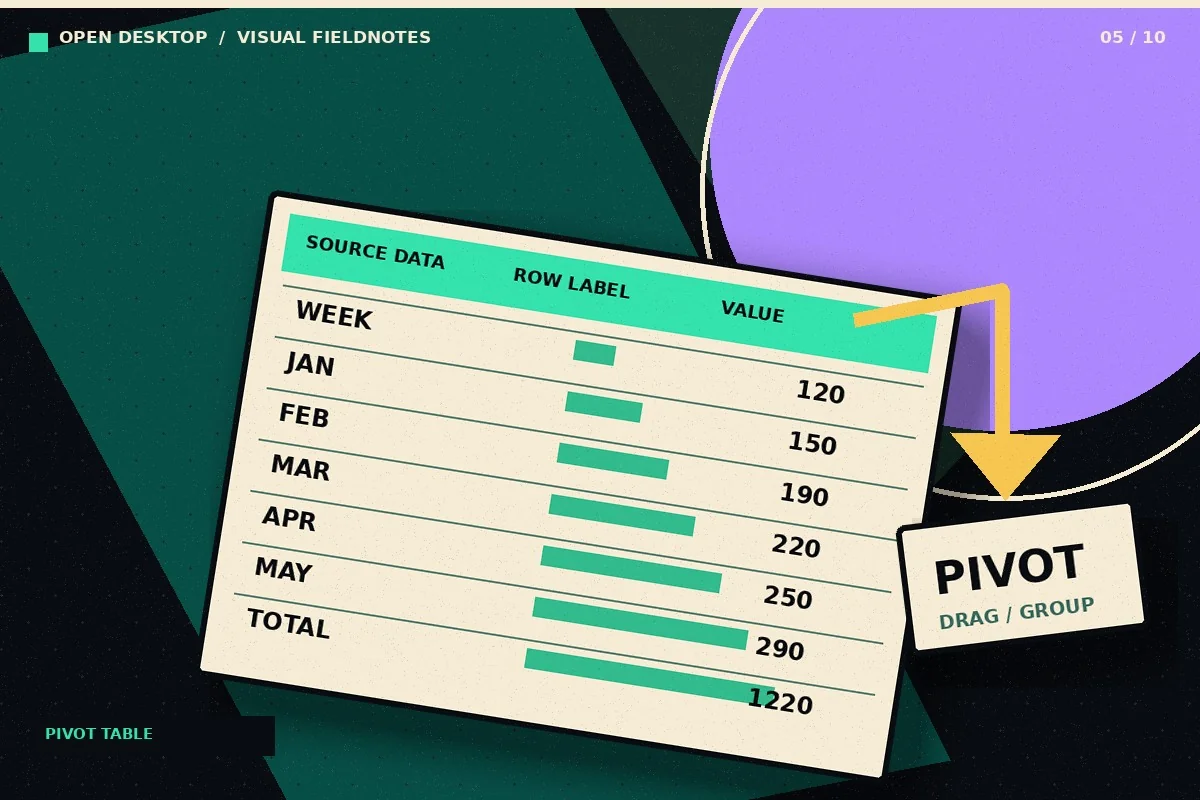 Calc · GUIDE
Create a Pivot Table in LibreOffice Calc: Step-by-Step
Turn a row-based transaction list into a summary by category and month using Calc pivot tables.
Read the guide ↗ Calc · GUIDE
Conditional Formatting in LibreOffice Calc: Highlight What Matters
Make an exception report that highlights overdue dates, large expenses, and unusual values without manually coloring cells.
Read the guide ↗ Calc · GUIDE
Make Charts in LibreOffice Calc from Clean Spreadsheet Data
Create a chart that answers one question, with labels and units that readers can interpret.
Read the guide ↗Impress workflows
 Impress · GUIDE
LibreOffice Impress Tutorial: Make Your First Slide Deck
Build a short presentation with consistent slides, meaningful visual hierarchy and a readable export.
Read the guide ↗ Impress · GUIDE
Open and Export PowerPoint Files with LibreOffice Impress
Exchange PPTX presentations while reducing font, animation and image placement surprises.
Read the guide ↗ Impress · GUIDE
Export LibreOffice Impress Slides as a PDF Handout
Prepare a presentation for reading, sharing or printing without relying on slideshow software.
Read the guide ↗Draw workflows
 Draw · GUIDE
Edit a PDF in LibreOffice Draw: Capabilities and Limits
Understand when Draw is useful for editing PDF objects and when rebuilding a document is more reliable.
Read the guide ↗ Draw · GUIDE
Create a Flowchart in LibreOffice Draw
Map a simple business process with shapes and connectors while keeping labels legible.
Read the guide ↗