Find your next useful tool.
Browse reviews, comparisons, and practical explainers. Filter the entire library by program, task, or category.
36 LibreOffice tutorials and comparisons
Explore one task at a time: a Writer report, a Calc budget, a presentation or a PDF. All guides link to official documentation.
Official publisher websites
External links to the software publishers. We do not host installers or represent these developers.

GTA 6 Launches Tomorrow: New Screenshots, Hidden Details and What We Know
Rockstar's launch screenshots, surprising details, confirmed facts, and what we know about rumored bugs.
OpenAI and Le Figaro Announce Journalism Partnership
OpenAI and Le Groupe Figaro announced a partnership to bring Le Figaro journalism to ChatGPT.
Xbox Game Pass November Wave 2 Adds More Titles
Xbox announced a second November Game Pass wave with Hela: of Mice & Magic, The Outlast Trials and Sniper Ghost Warrior Contracts 2 among the highlights.

The Game Awards 2026 Nominees Put Major Xbox Games in Focus
Xbox highlighted nominated games including Gears of War: E-Day, Grand Theft Auto VI and Resident Evil Requiem.

OpenAI Introduces GPT-6.2 Astra and Sol
OpenAI announced GPT-6.2 Astra and Sol as new entries in its model family.

Microsoft Unveils Specialized AI Models at Ignite
Microsoft introduced new AI models at Ignite, including the MAI Code 2 coding model, as it expands its in-house model lineup.

ChatGPT for Sales Targets Customer-Facing Workflows
OpenAI introduced ChatGPT for Sales, a product focused on sales workflows.

Astra for Law Brings AI to Legal Work
OpenAI published an announcement about Astra for Law and its legal-intelligence focus.

Xbox Black Friday Sale Starts November 19
Xbox announced its Black Friday sale beginning November 19 with game and accessories offers.

OpenAI and LVMH Media Division Form Journalism Partnership
LVMH’s Media Division and OpenAI announced a partnership related to journalism and making publications accessible through ChatGPT.

OpenAI Details Its Research into AI for Scientific Work
OpenAI published Science at the Frontier, about how scientists use ChatGPT in research.

OpenAI Broadens Access to AI for Scientists
OpenAI announced an initiative to broaden access to artificial intelligence for scientists.

Playground Games Gives a Closer Look at Fable Gameplay
Playground Games discussed the new Fable gameplay shown for Xbox’s 25th anniversary.

New Xbox Games Arriving November 16–20
Xbox published its weekly roundup of games launching on Xbox consoles, PC and Game Pass during November 16–20.

Xbox Celebrates 25 Years with New Player Features
Xbox marked 25 years with Xbox Playback, in-game anniversary items and new gaming announcements.

Xbox Anniversary Adds New In-Game Items
Xbox revealed anniversary cosmetics and other celebratory in-game items for multiple franchises.

Wolfenstein 3 Confirmed in Development at MachineGames
Xbox and Bethesda confirmed Wolfenstein 3 is in production at MachineGames, without announcing a release date.

New Fable Quest Footage Debuts for Xbox Anniversary
Xbox showed new Fable quest gameplay during its 25th anniversary celebrations.

Halo: Campaign Evolved to Add Free Firefight Mode
Xbox said Firefight is coming to Halo: Campaign Evolved in a free winter update.

Google Introduces Gemini 4 Hydrogen for Agentic Work
Google introduced Gemini 4 Hydrogen and outlined availability across several Gemini surfaces.

Doom: The Dark Ages Prepares Slaughter Mode
Xbox announced a November 16 Slaughter Mode update for eligible DOOM: The Dark Ages Revelations owners.

Classic Original Xbox Games Expand Their PC Library
Xbox said backward compatibility on PC now covers 25 original Xbox games, including Knights of the Old Republic and Morrowind.

Google Launches Gemini Decisions API
Google introduced the Gemini Decisions API for fast, closed-set decisions using Gemini Decision 1.

PlayStation Plus November Catalog Features Death Stranding 2
Sony announced November’s PlayStation Plus Game Catalog selection, including Death Stranding 2 and Like a Dragon: Pirate Yakuza in Hawaii.

Gemini 4 Carbon Opens to Paid Developers and Enterprises
Google made Gemini 4 Carbon available through its API and enterprise offerings for paying developers and businesses.

Anthropic Begins IPO Roadshow
Anthropic announced a roadshow for its proposed initial public offering.

Anthropic Introduces Claude Fable 5.2 and Mythos 5.2
Anthropic announced Claude Fable 5.2 and Mythos 5.2, positioning them for demanding technical workloads in coding, finance and science.
Xbox November 9–13 Game Releases Roundup Goes Live
Xbox published its list of titles launching during the November 9–13 week.

Xbox Plans Simpler PC and Cloud Experience
Xbox outlined an updated PC, web and cloud experience, including a library tab for cloud-playable titles.

Xbox Indie Selects for November Spotlights New Games
The ID@Xbox team published its November 2026 Indie Selects list.

Xbox Announces First November Game Pass Wave
November’s first Game Pass announcement included Escape Academy 2, Thronefall and Warhammer Survivors.
PlayStation Details Its Black Friday Offers
Sony outlined PlayStation’s Black Friday promotions for 2026.

Anthropic Expands Its AI for Science Program
Anthropic said its AI for Science initiative was expanding through partnerships with 20 scientific foundations, institutions and groups.

Claude Drug-Development Research Partnerships Take Shape
Anthropic described early work with six organizations developing new medicines as part of its effort to accelerate drug research.

Anthropic Expands Government AI Agreement with GSA
Anthropic announced an expanded GSA agreement offering discounts to government partners for Claude services.

Anthropic Files S-1 for Proposed IPO
Anthropic said it filed an S-1 registration statement with the SEC for a proposed initial public offering.
Anthropic Donates Agent Skills to Agentic AI Foundation
Anthropic said it was donating the Agent Skills open standard to the Agentic AI Foundation.
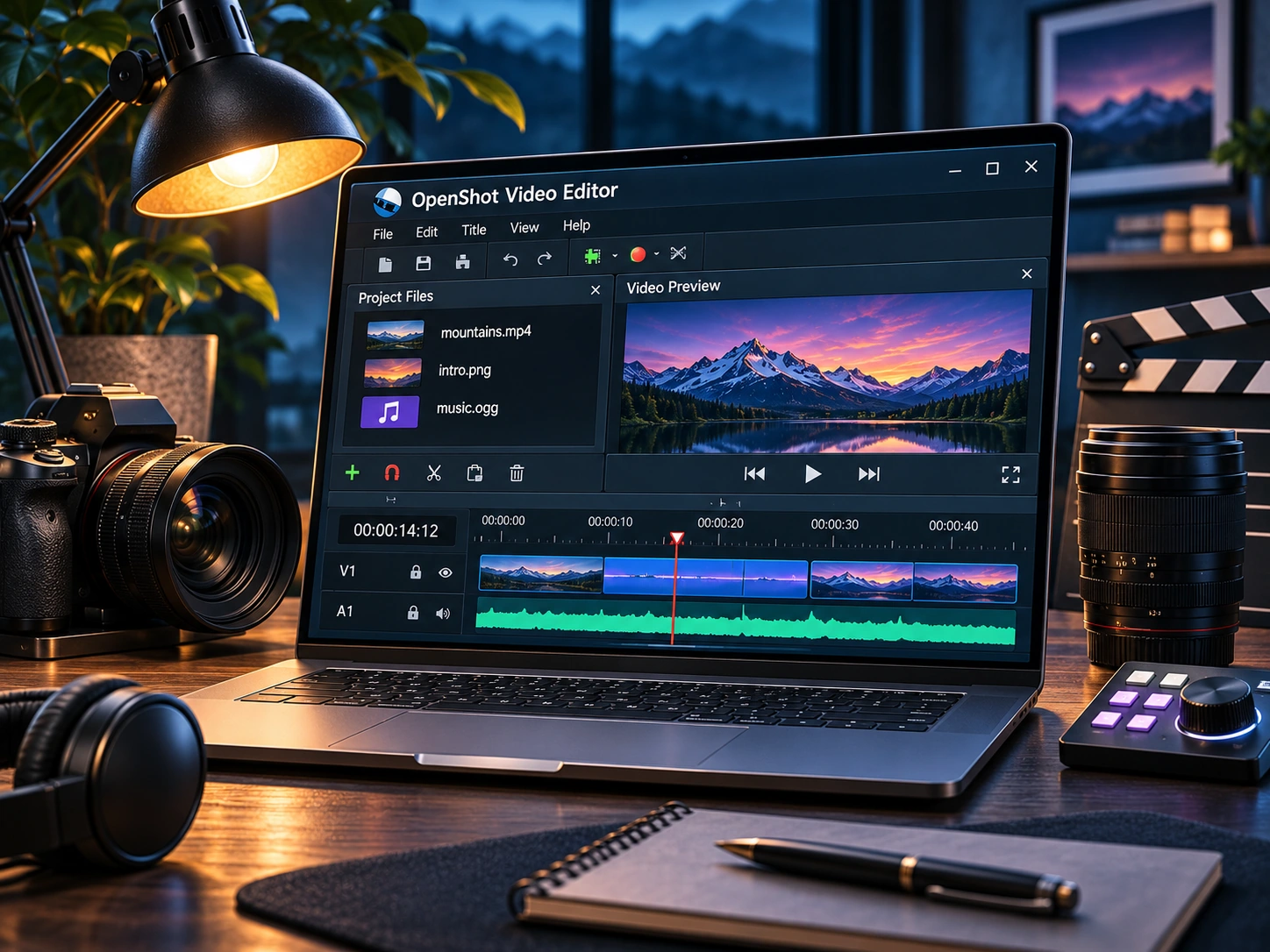
OpenShot Review: A Friendly Starting Point for Video Editing
A practical look at OpenShot’s timeline, titles, export workflow, and the tradeoffs beginners should know.
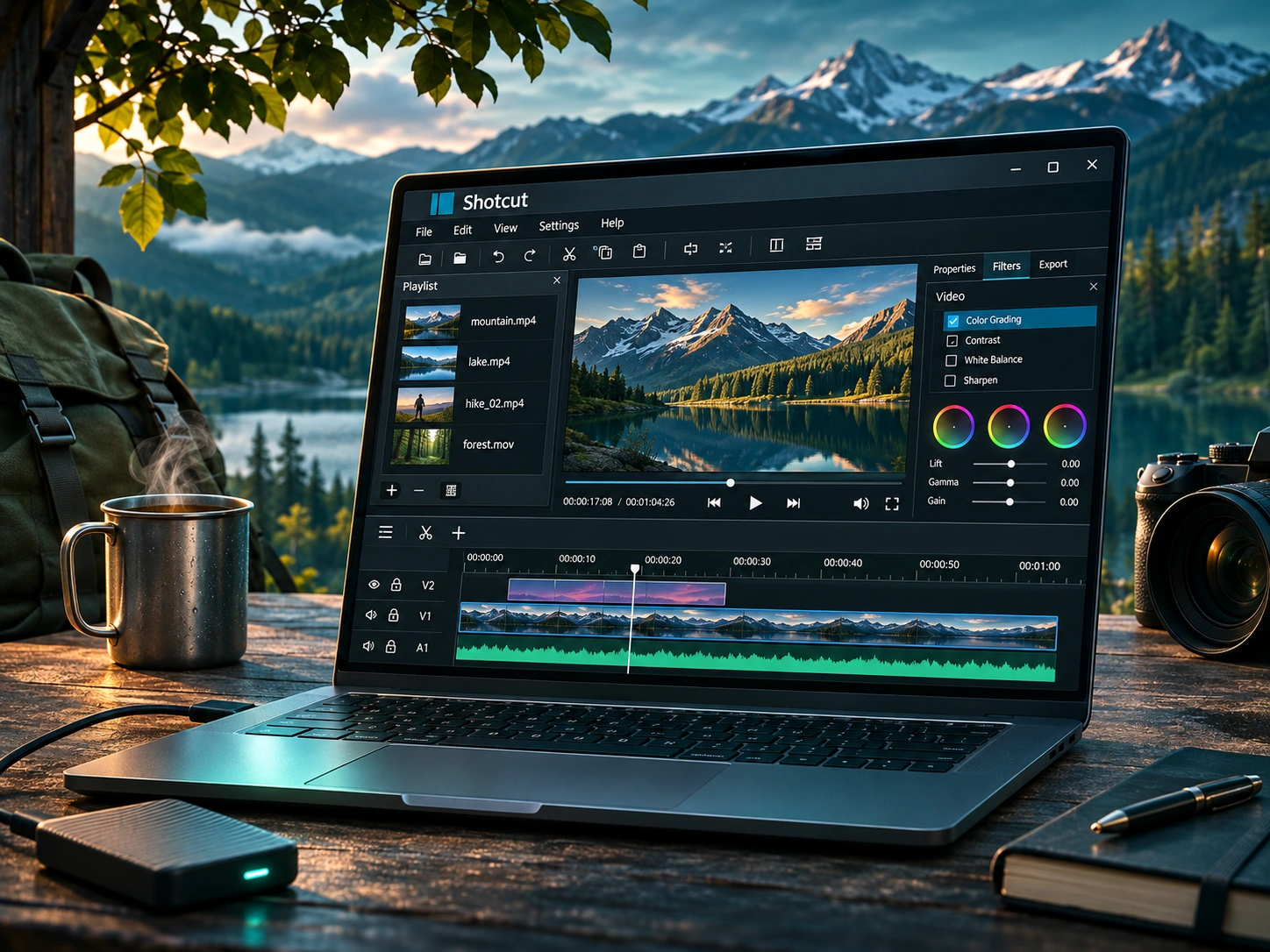
Shotcut Review: Flexible Free Editing for Windows
Shotcut offers a more configurable editing workspace. Here is when that flexibility helps and when it gets in the way.
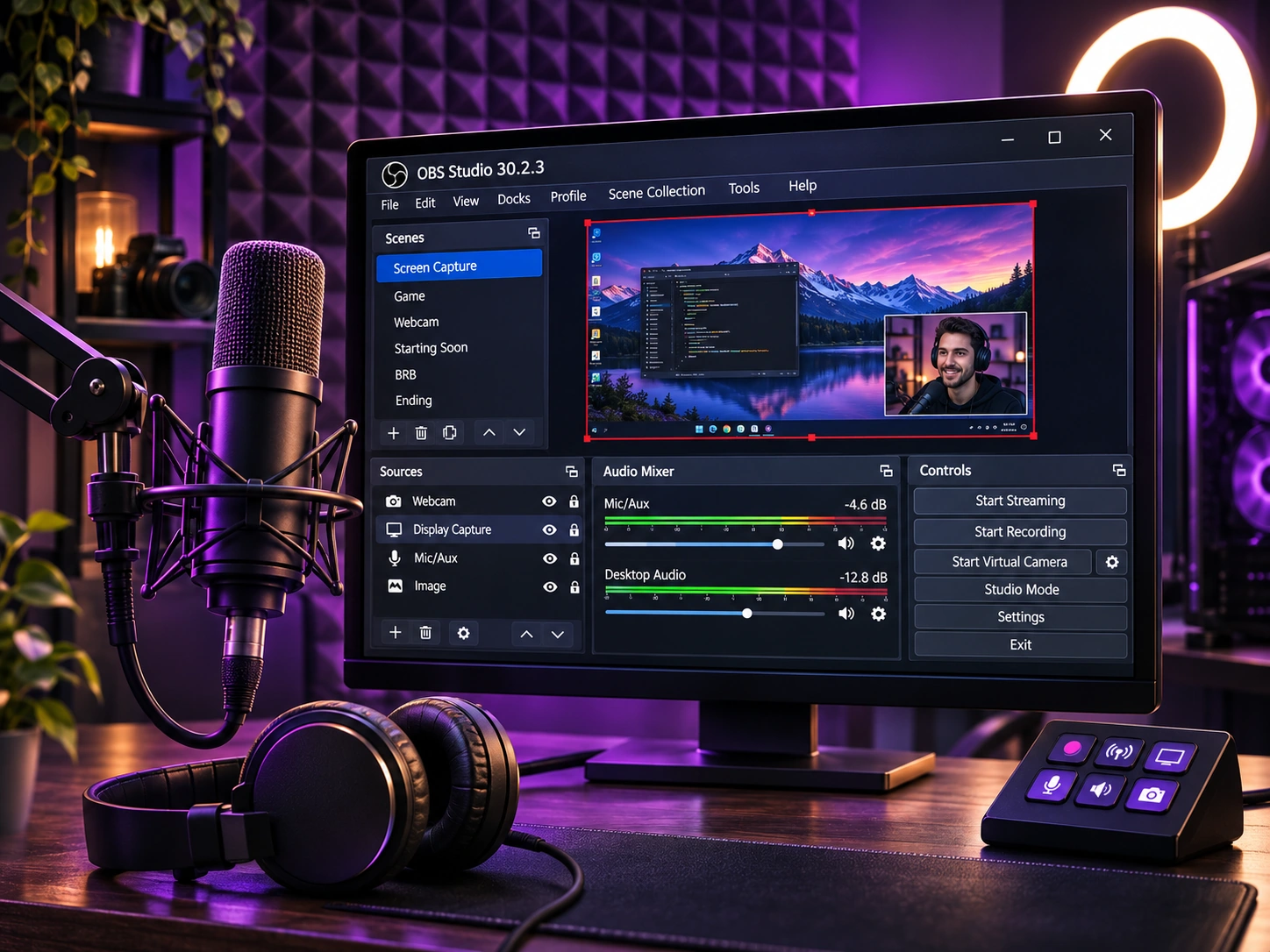
OBS Studio for Beginners: Recording Without a Paywall
Scenes, sources, audio meters, and recording formats explained for your first screen capture.
PDF24 Creator Review: Useful PDF Tools That Work Offline
Merge, split, compress, and print to PDF on Windows, with a local workflow for sensitive documents.
LibreOffice Review: A Full Office Suite Without a Subscription
What Writer, Calc, and Impress can cover, plus what to check before switching from Microsoft Office.
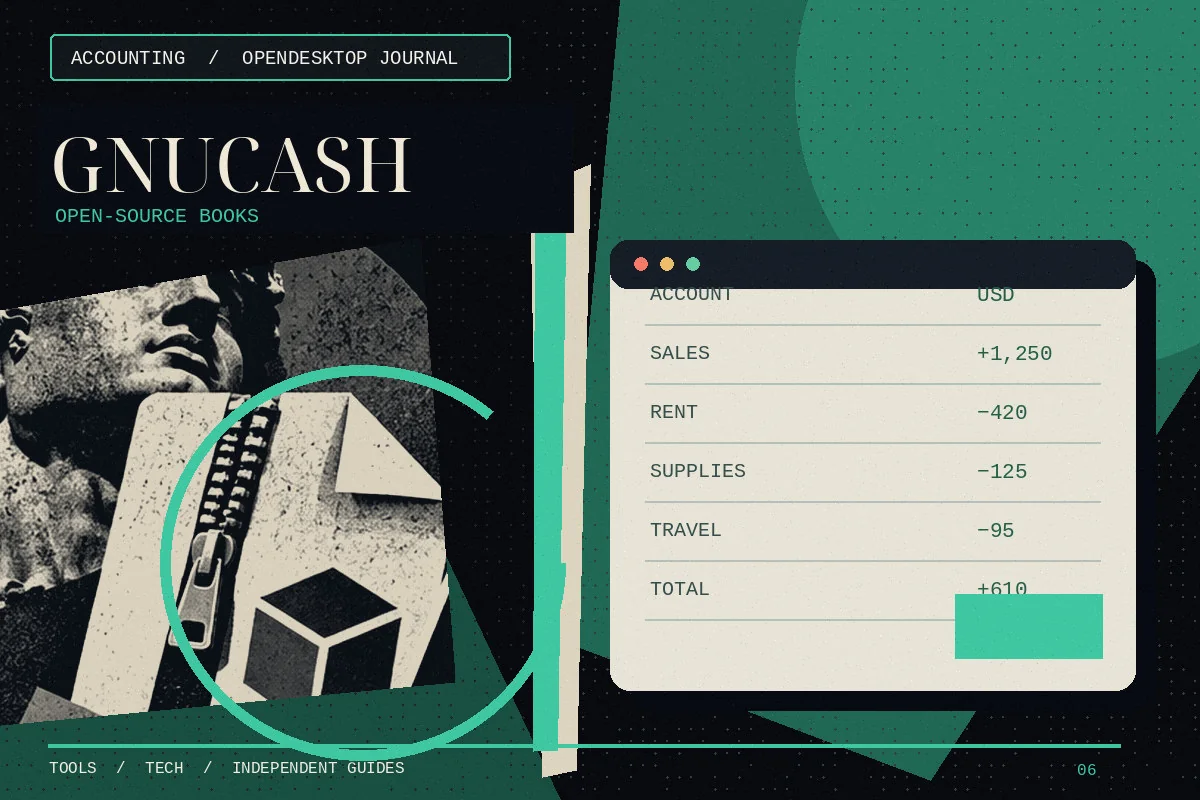
GnuCash Review: Double-Entry Accounting Without a Subscription
A look at accounts, reports, and reconciliation for individuals and very small businesses.

7-Zip Review: Straightforward File Compression on Windows
An uncomplicated file archiver with strong compression and support for many common archive formats.

BleachBit Review: A Careful Approach to Cleaning Temporary Files
What a free cleanup utility can remove—and why previewing changes matters more than flashy speed claims.

7-Zip vs WinRAR: Which Archive Tool Fits Your Workflow?
Compare archive formats, encryption, everyday usability, and how the free and paid options differ.
LibreOffice Calc: A Practical Guide to Free Spreadsheets
Learn how Calc handles formulas, worksheets, file compatibility, and everyday Excel alternatives.
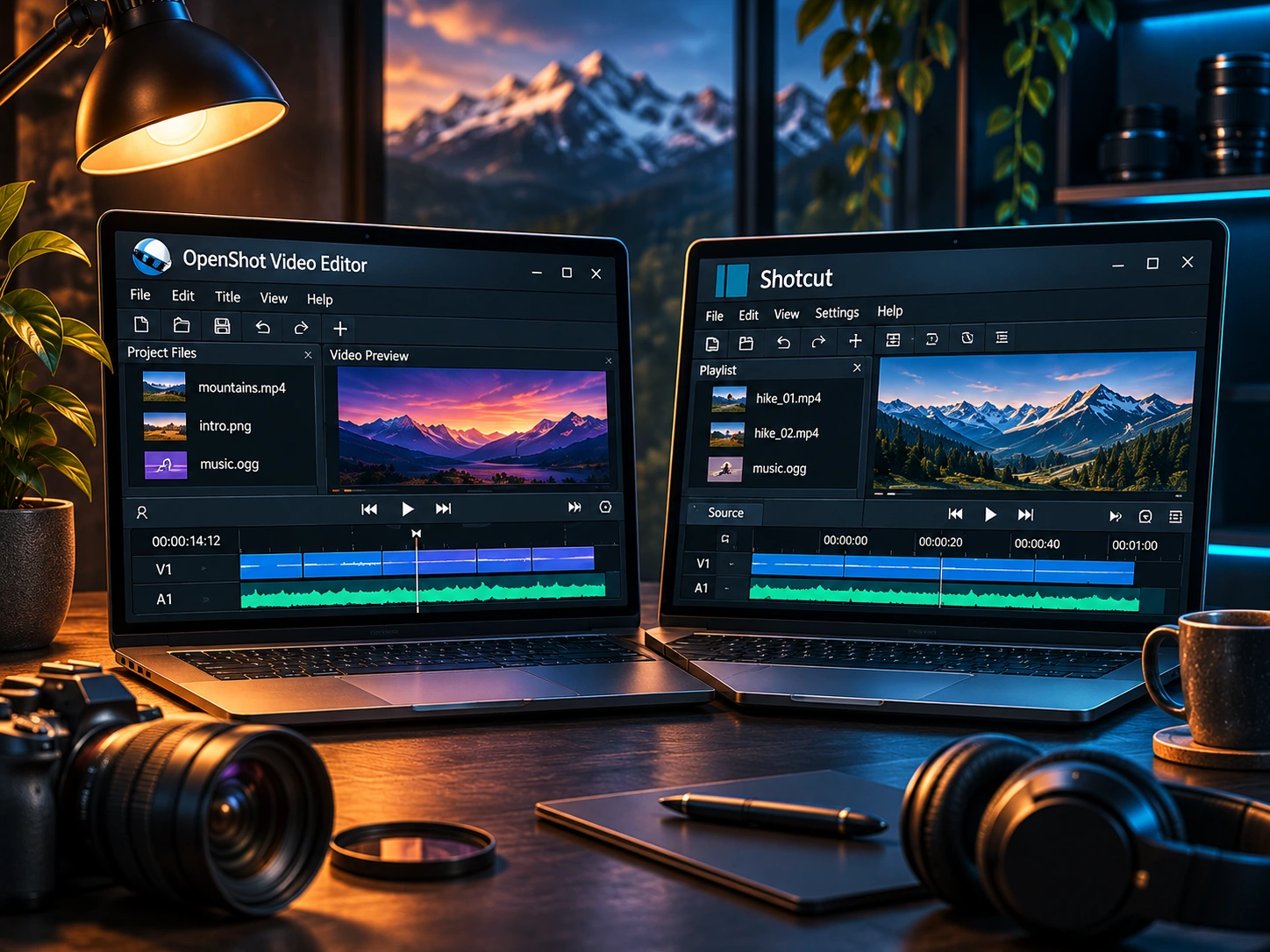
OpenShot vs Shotcut: Choosing a Free Windows Video Editor
A side-by-side comparison for beginners deciding between two no-cost video editors.
GnuCash vs QuickBooks: Free Accounting or Business Platform?
Compare self-managed double-entry accounting with a broader commercial bookkeeping ecosystem.
BleachBit vs CCleaner: Comparing Windows Cleanup Tools
Understand cleanup options, privacy tradeoffs, and the risks of aggressive deletion.
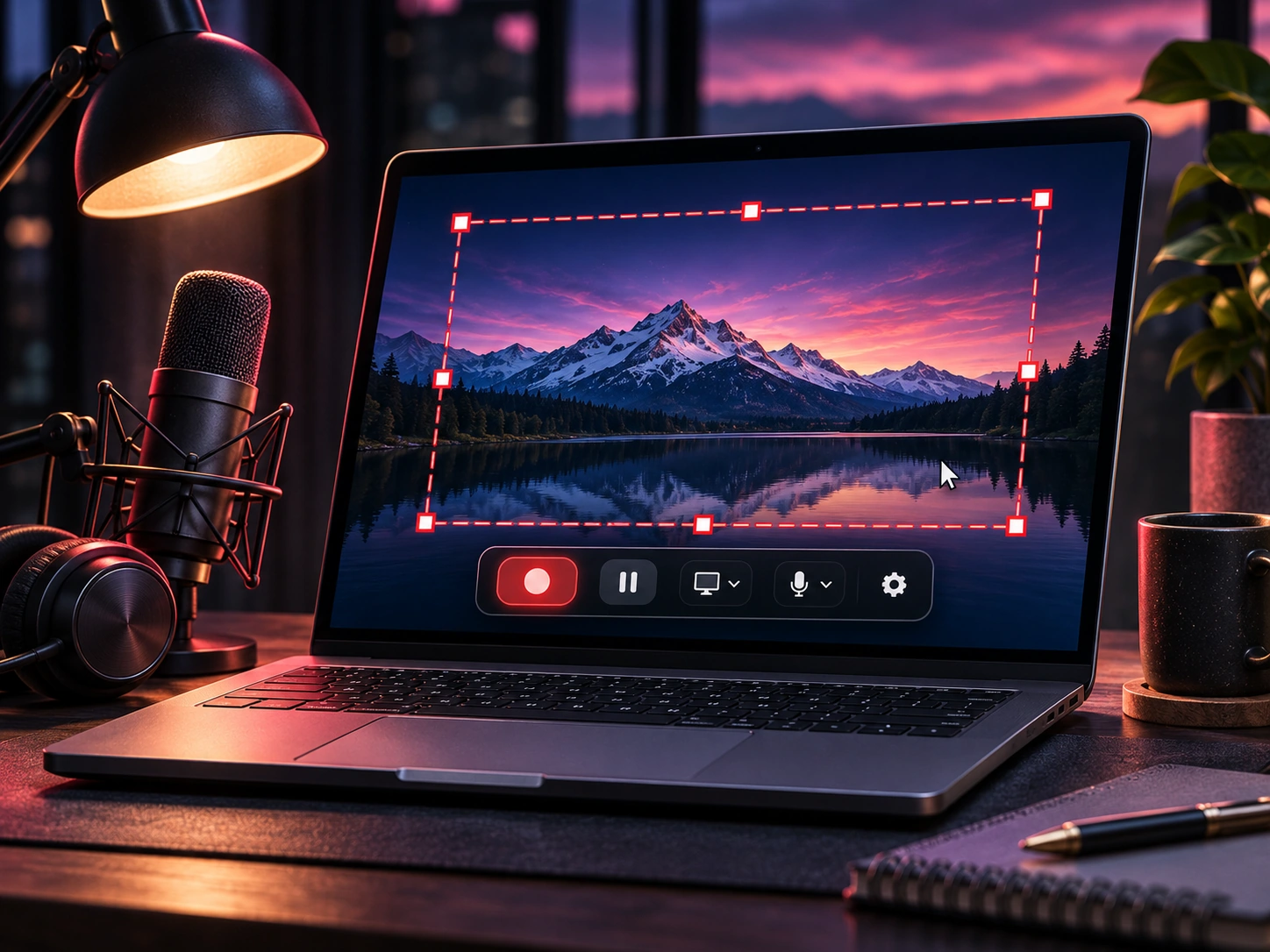
OBS Studio Tutorial: First Screen Recording on Windows
A beginner-friendly OBS setup walkthrough covering sources, audio, recording settings, and test captures.
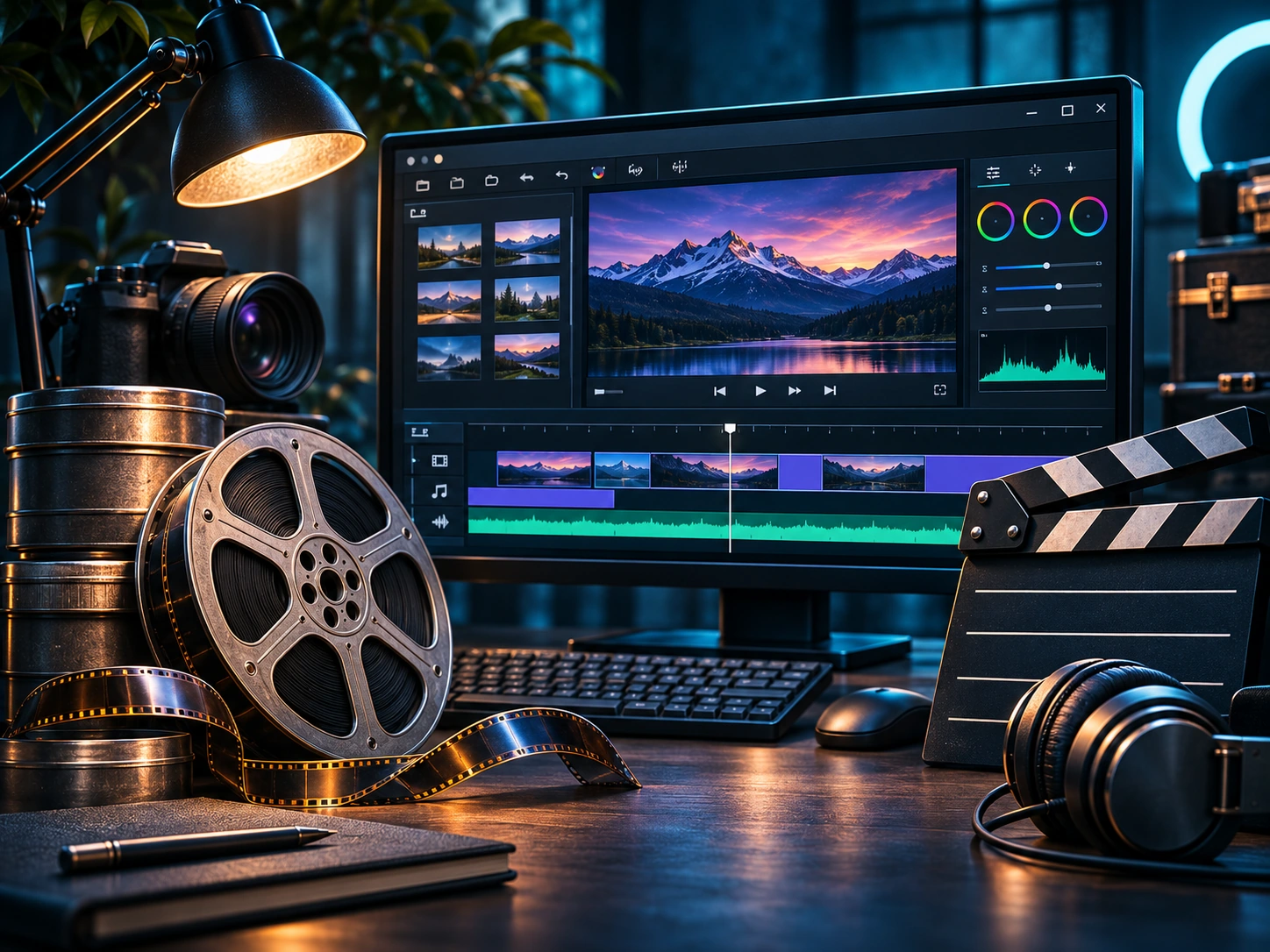
Free Video Editing Software for Windows: OpenShot or Shotcut?
Compare two free desktop editors by difficulty, workflow, and projects rather than download buttons.
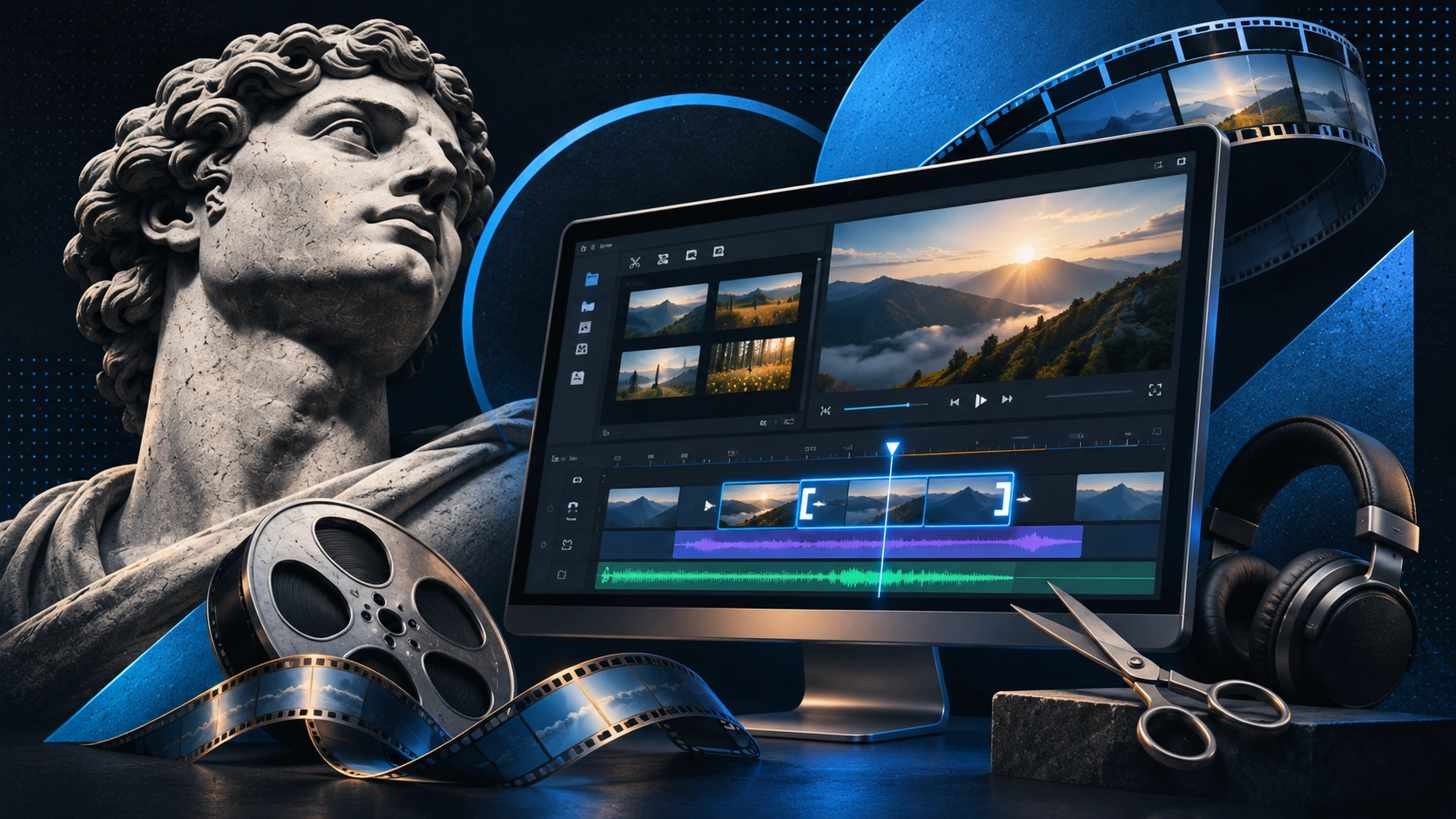
Free Screen Recording Software for PC: What to Look For
A practical checklist for choosing screen recording tools, with OBS Studio as an example.
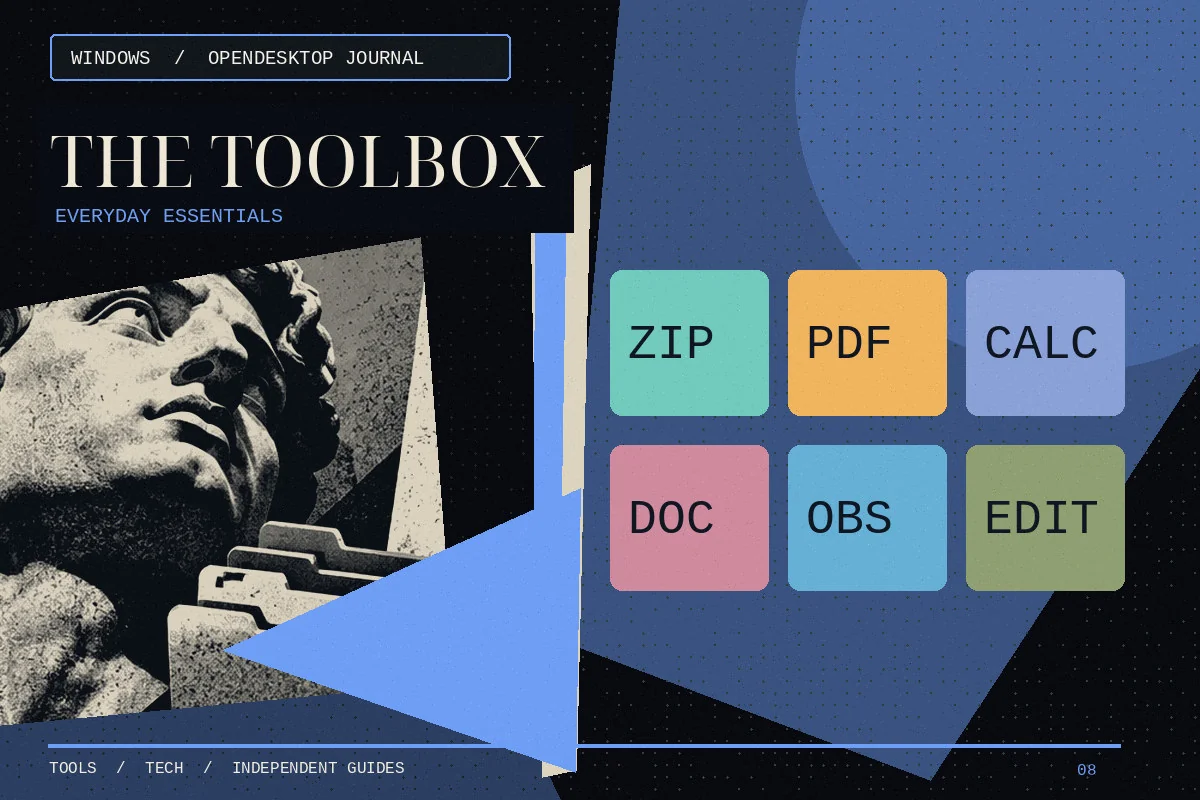
Free Windows Software Guide: Eight Useful Desktop Applications
Explore eight open-source or free Windows apps for video, office work, accounting, and daily PC tasks.
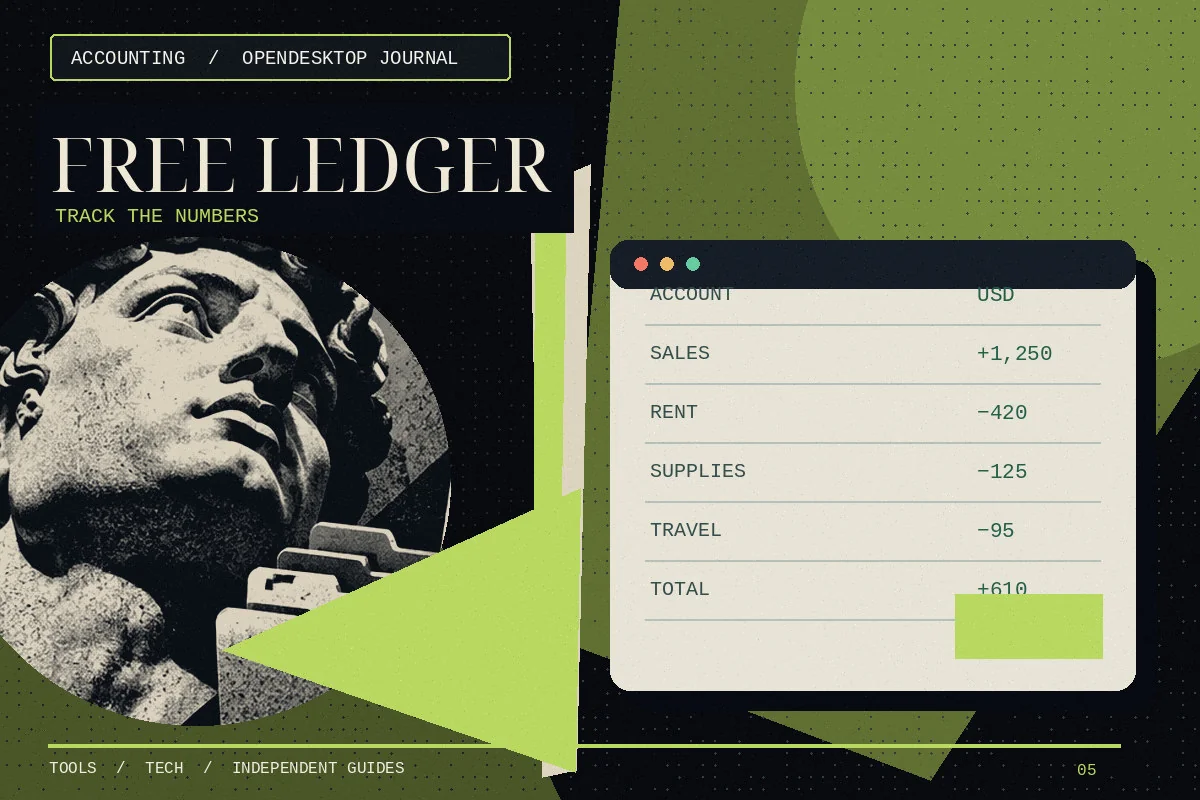
Free Accounting Software for Windows: Is GnuCash Enough?
What to check before choosing free desktop bookkeeping software for personal or small-business use.
How to Download and Install LibreOffice on Windows
Find the genuine LibreOffice installer, choose the right system build, and confirm Writer and Calc launch correctly.
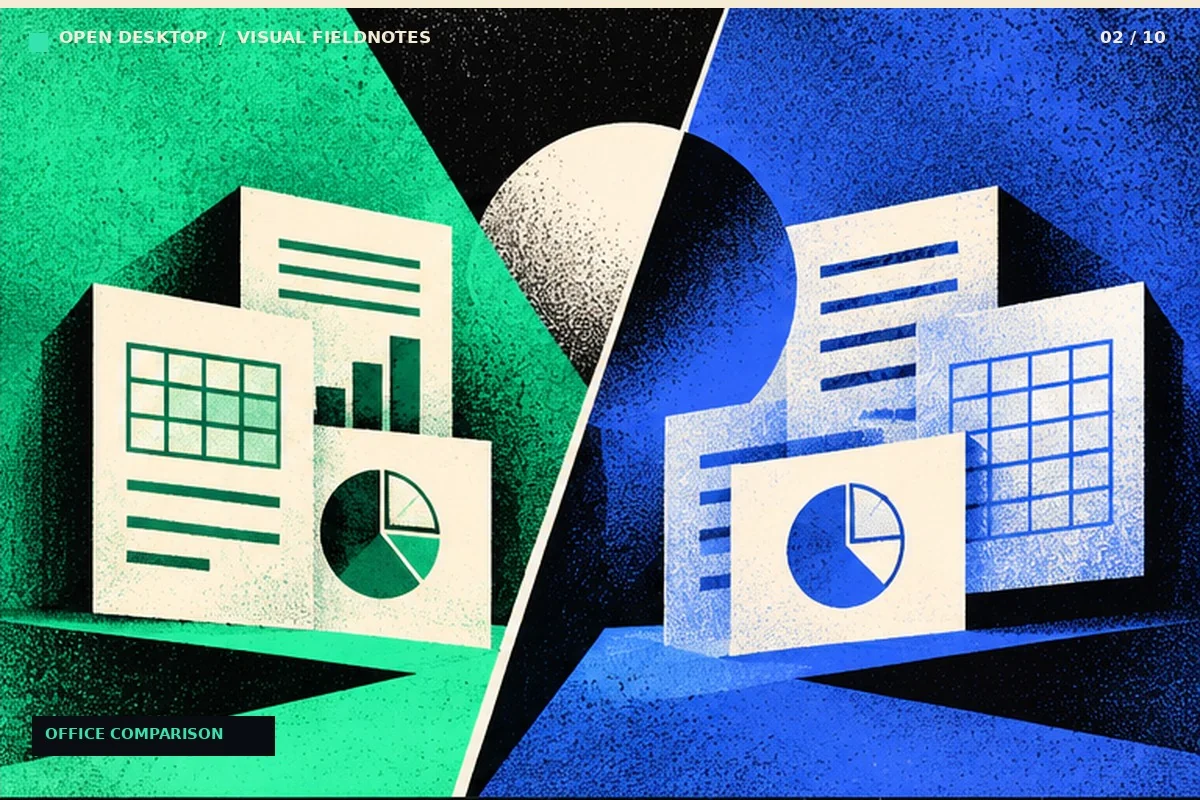
LibreOffice vs Microsoft Office: What Changes in Real Work?
Compare file formats, offline use, collaboration and Excel-specific workloads before moving an office workflow.
LibreOffice vs Google Docs: Offline Editing or Browser Collaboration?
Understand which tasks benefit from a desktop office suite and which need browser-based live collaboration.
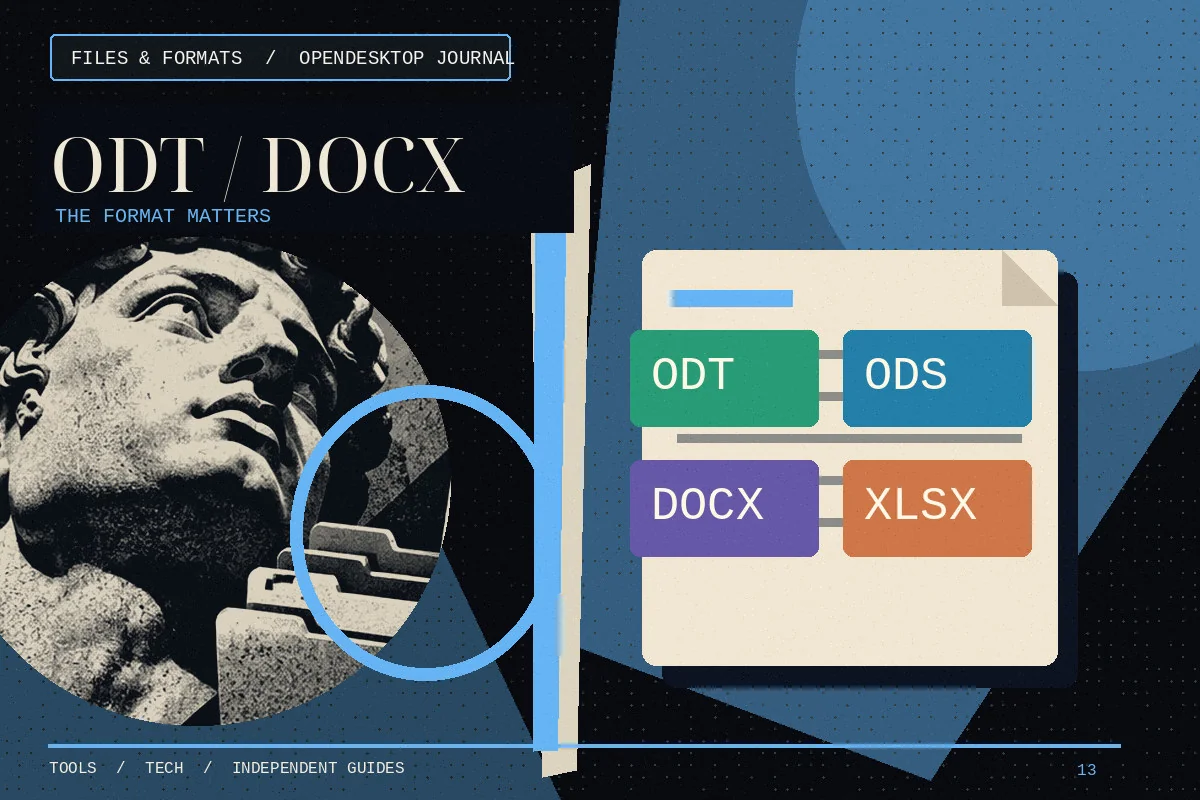
ODT, ODS, DOCX and XLSX: LibreOffice File Formats Explained
Know when to keep OpenDocument files, when to exchange Microsoft formats and when to send a PDF.
LibreOffice Templates: Build Reusable Letters, Budgets and Slides
Create repeatable office files with consistent styles, formulas and layout rather than copying last month’s final document.
Can You Use LibreOffice Offline? What Works Without Internet
Learn what LibreOffice can do locally and what still requires a network connection or external service.
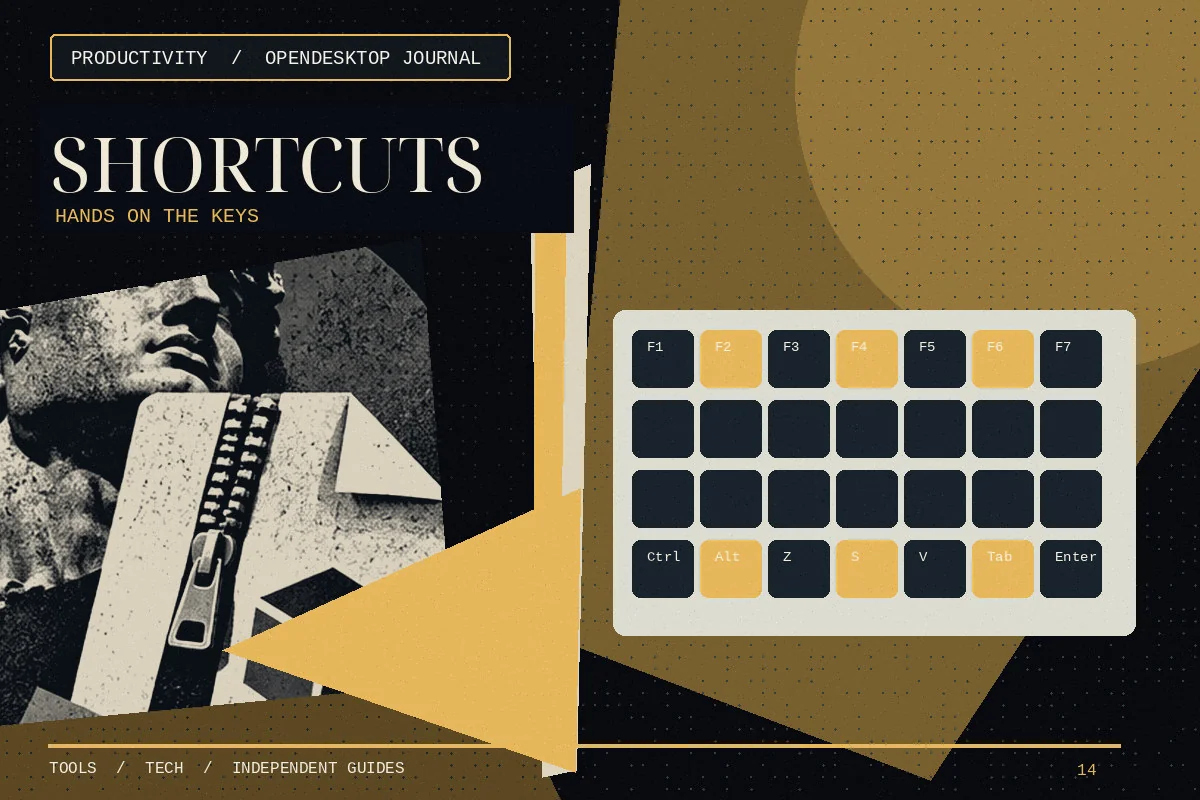
LibreOffice Keyboard Shortcuts That Actually Save Time
Build a small set of reliable shortcuts for document editing, searching, formatting and spreadsheet work.
LibreOffice Writer Tutorial: Your First Professional Document
Create a structured letter or short report with proper paragraph styles, page layout and export settings.
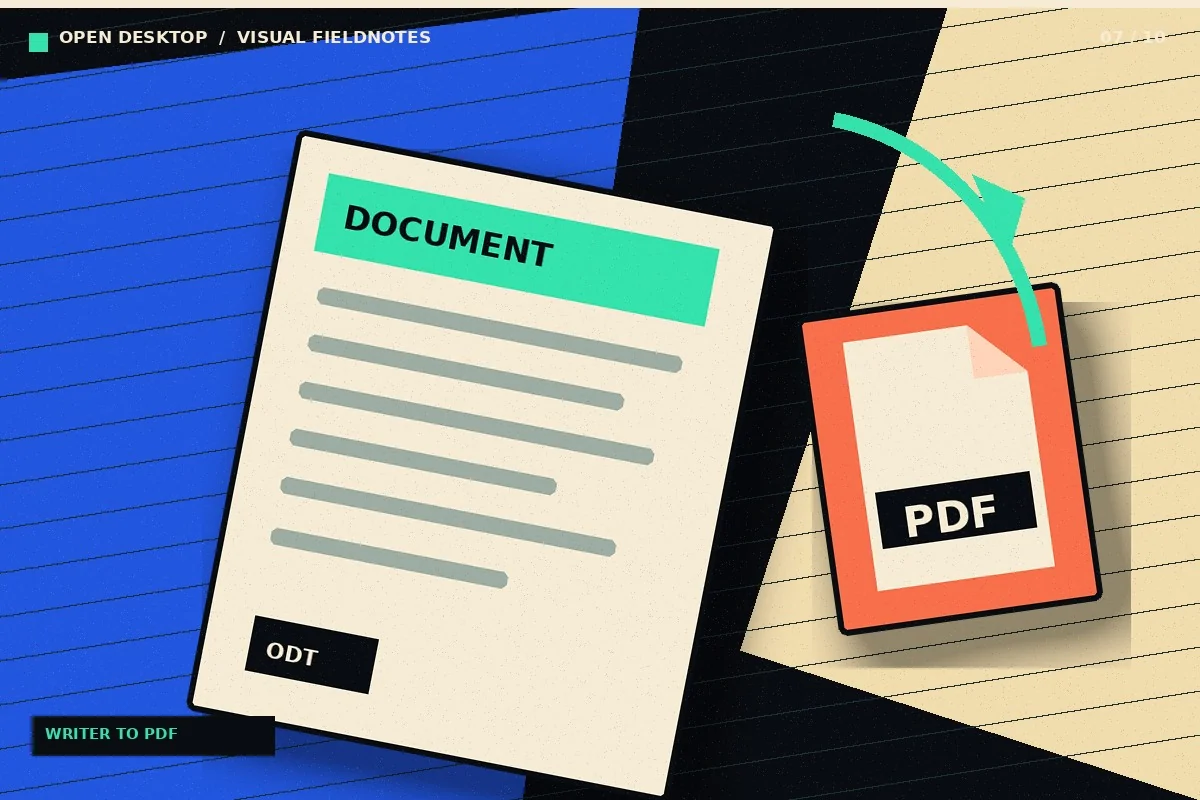
How to Export a LibreOffice Writer Document to PDF
Export readable PDFs from Writer while checking fonts, links, headings and page boundaries.
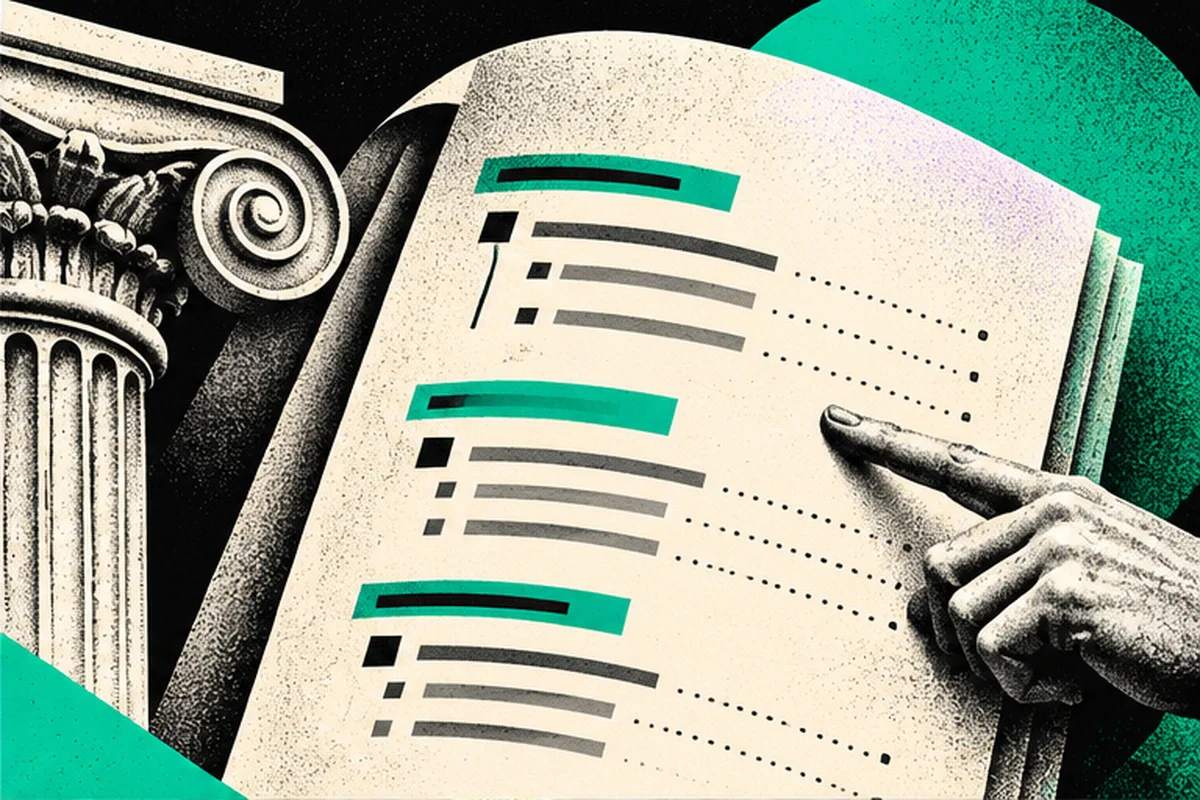
Automatic Table of Contents in LibreOffice Writer
Build a table of contents from real heading styles instead of typing page numbers by hand.
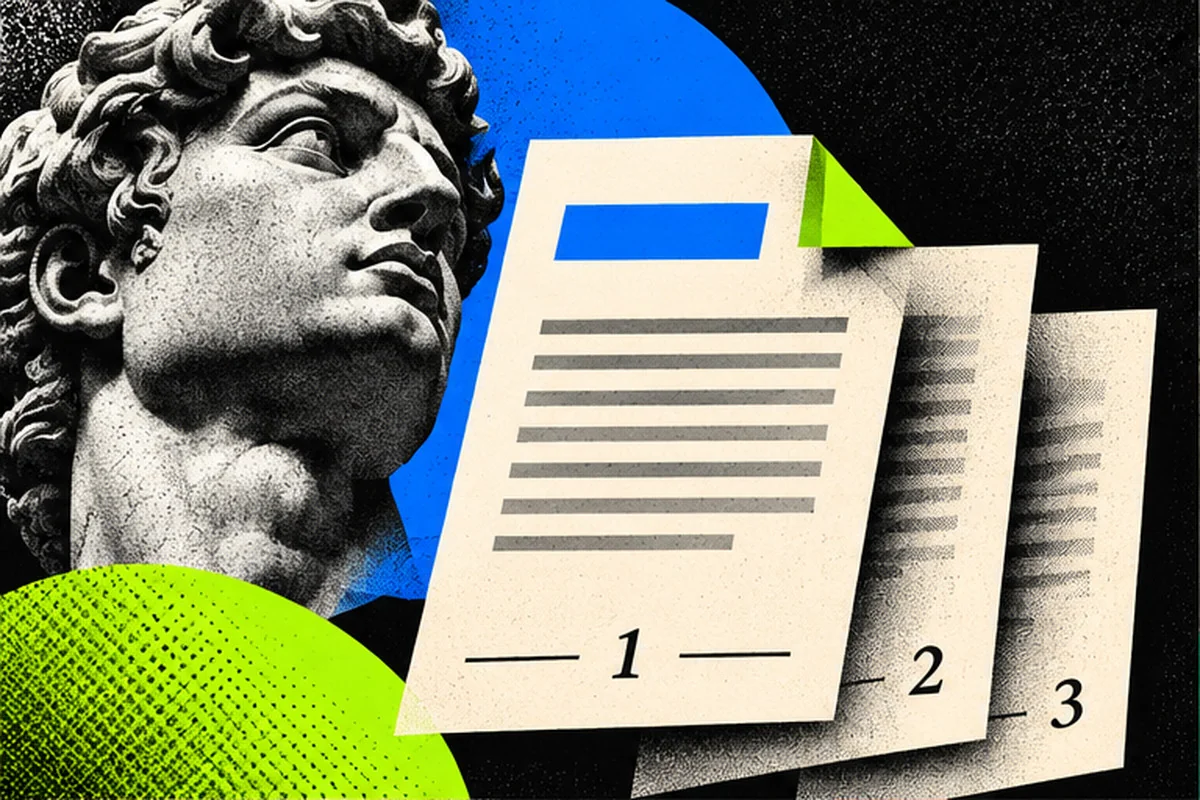
How to Add Page Numbers in LibreOffice Writer
Place automatic page numbers in a header or footer and handle title pages properly.
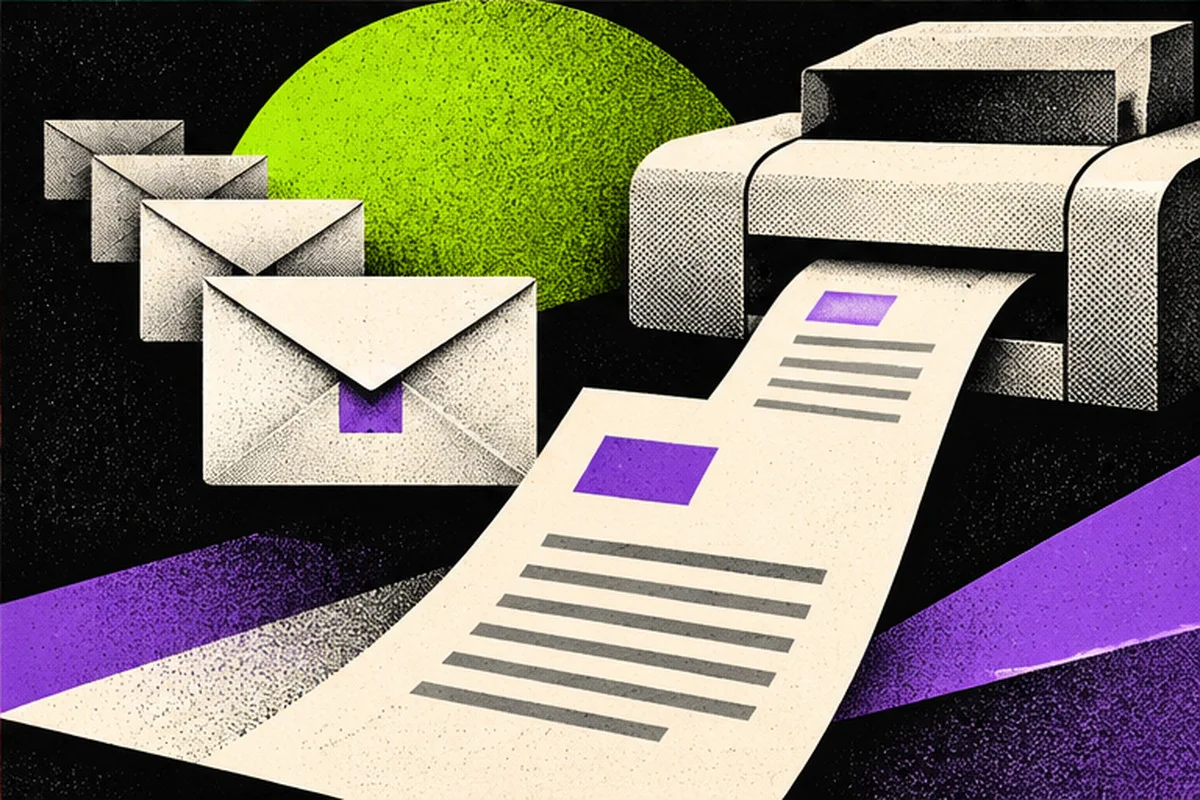
LibreOffice Mail Merge: Letters from a Spreadsheet
Use a structured data source and a document template to generate individualized letters or labels.
Build a Resume in LibreOffice Writer Without Broken Formatting
Design a clear one- or two-page resume that survives PDF export and avoids fragile layout tricks.
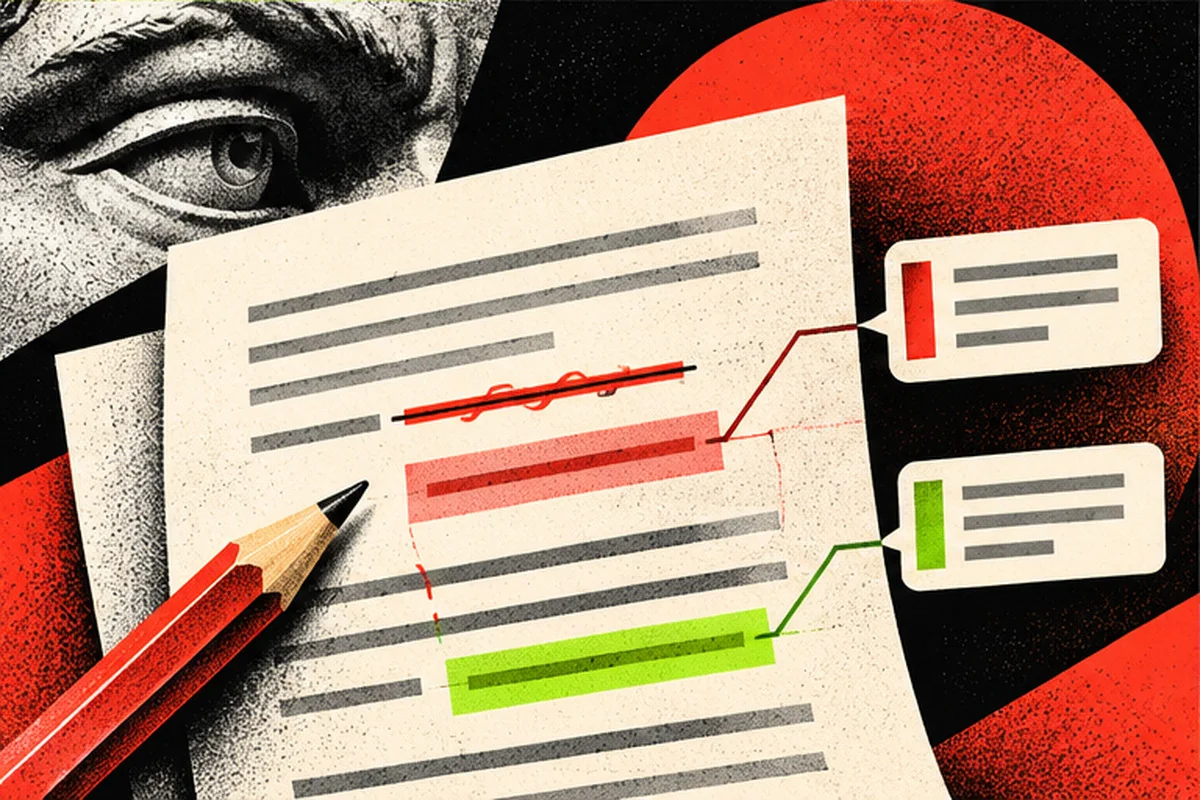
Track Changes and Comments in LibreOffice Writer
Review edits in a document without losing sight of what changed and who suggested it.

LibreOffice Calc Formulas for Beginners: SUM, AVERAGE and IF
Start with three useful formulas and learn how references behave when copied between cells.
SUMIF and COUNTIF in LibreOffice Calc, with Examples
Summarize expenses by category and count matching records without manually filtering every row.
VLOOKUP in LibreOffice Calc: Match IDs Without Manual Copying
Use an ID as a key to retrieve matching information from a structured table.
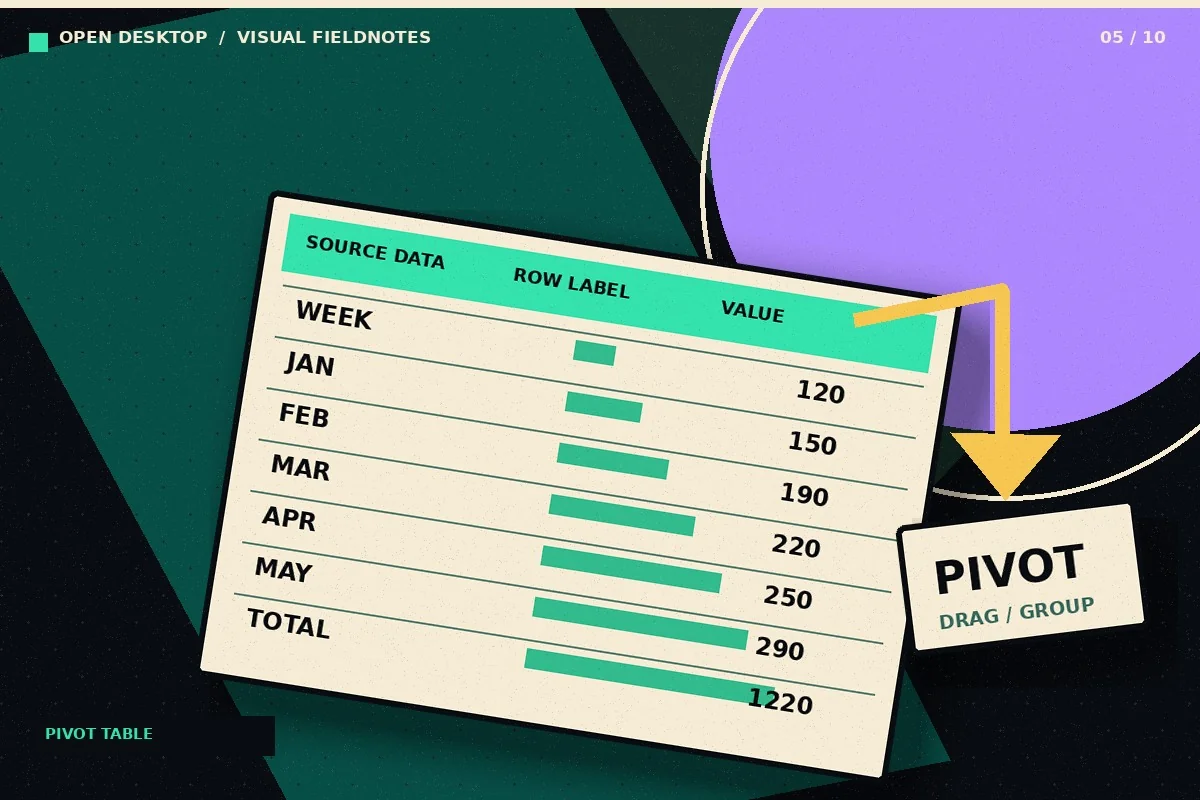
Create a Pivot Table in LibreOffice Calc: Step-by-Step
Turn a row-based transaction list into a summary by category and month using Calc pivot tables.
Conditional Formatting in LibreOffice Calc: Highlight What Matters
Make an exception report that highlights overdue dates, large expenses, and unusual values without manually coloring cells.
Make Charts in LibreOffice Calc from Clean Spreadsheet Data
Create a chart that answers one question, with labels and units that readers can interpret.
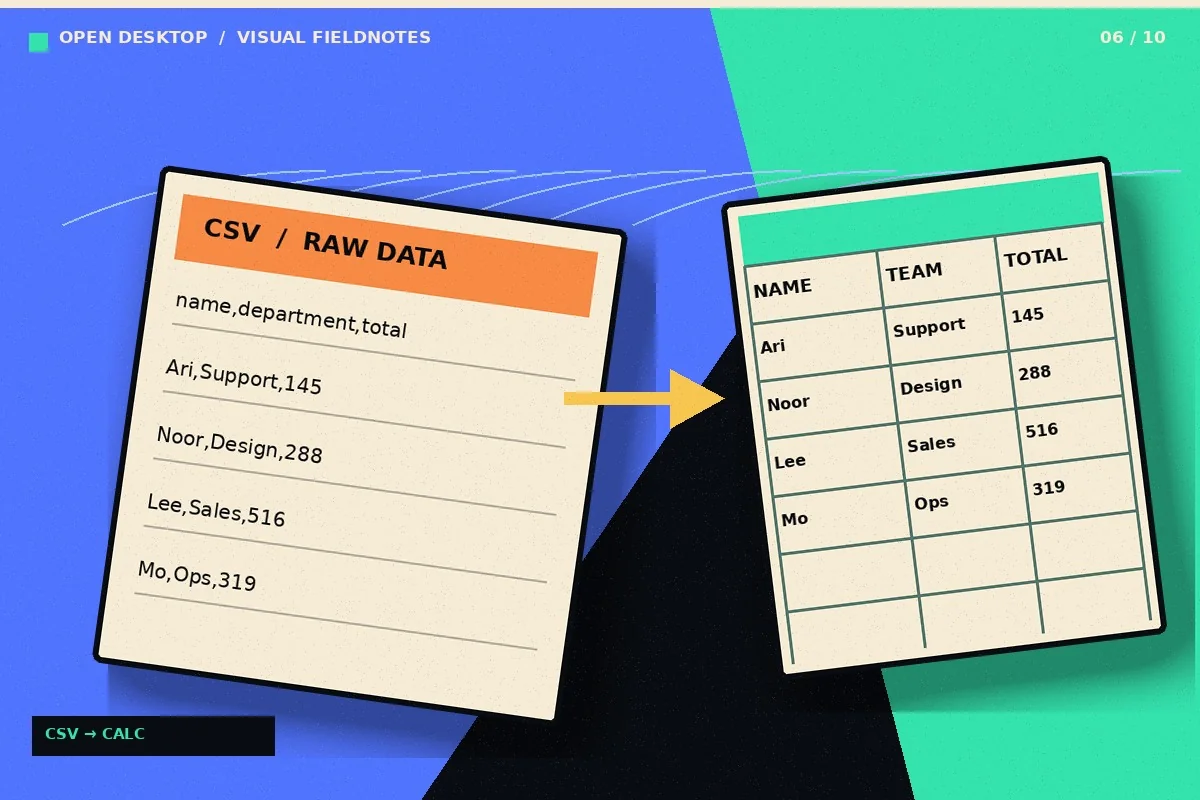
Import CSV into LibreOffice Calc Without Broken Columns
Control separators, encoding, and column types when opening data files in Calc.
LibreOffice Calc and Excel: Test XLSX Compatibility Safely
Run a useful compatibility check on XLSX documents before depending on them for important work.
Monthly Budget in LibreOffice Calc: A Practical Template Workflow
Create a manageable household budget with transactions, categories and a monthly summary.
Sorting and Filtering Data in LibreOffice Calc Without Losing Rows
Filter records and sort tables without separating a value from the row it belongs to.
Create a Simple Invoice in LibreOffice Calc
Build a reusable invoice spreadsheet with reliable line-item calculations and clear customer information.
LibreOffice Impress Tutorial: Make Your First Slide Deck
Build a short presentation with consistent slides, meaningful visual hierarchy and a readable export.
Open and Export PowerPoint Files with LibreOffice Impress
Exchange PPTX presentations while reducing font, animation and image placement surprises.
Export LibreOffice Impress Slides as a PDF Handout
Prepare a presentation for reading, sharing or printing without relying on slideshow software.
Edit a PDF in LibreOffice Draw: Capabilities and Limits
Understand when Draw is useful for editing PDF objects and when rebuilding a document is more reliable.
Create a Flowchart in LibreOffice Draw
Map a simple business process with shapes and connectors while keeping labels legible.
LibreOffice Base Tutorial: Your First Small Database
Learn the difference between tables, records, forms and queries before building a small database.
Write Mathematical Equations with LibreOffice Math
Insert clean mathematical expressions into documents without treating equations as screenshots.
Change the LibreOffice Interface and Spellcheck Language
Distinguish user-interface language from proofing dictionaries and document language settings.
LibreOffice Extensions and Macro Safety: A Checklist
Assess add-ons, templates and macros before giving them access to documents or the system.
Convert DOCX to PDF with LibreOffice: Quality Checks
Convert an editable Word file into a stable reading copy without overlooking layout changes.
Install LibreOffice on Mac: Intel and Apple Silicon
Choose the correct LibreOffice build for macOS and check its first launch and file associations.
How we cover free Windows software
Our reviews explain what software does, what it may not do, and which tasks it fits. A free program is not always right for every PC or workflow. For security, check the developer’s official website and confirm the latest system requirements.
Searching for a comparison? Start with 7-Zip vs WinRAR, OpenShot vs Shotcut, or GnuCash vs QuickBooks. Looking to learn? Read our OBS Studio tutorial.
No stories match that search. Try a software name or broader category.