Video, editing & recording
Learn the actual steps behind a finished video: importing footage, cutting a timeline, recording a screen and exporting a watchable file.
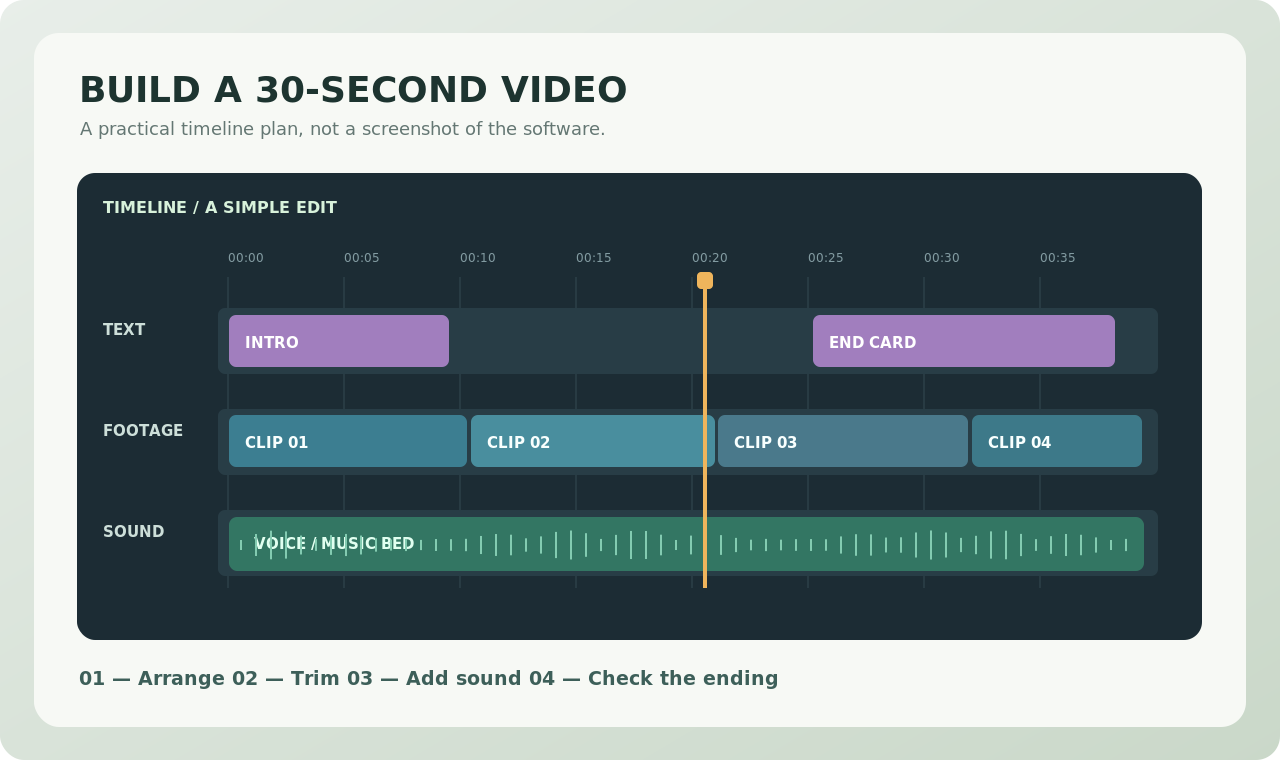
Official publisher websites
External links to the software publishers. We do not host installers or represent these developers.
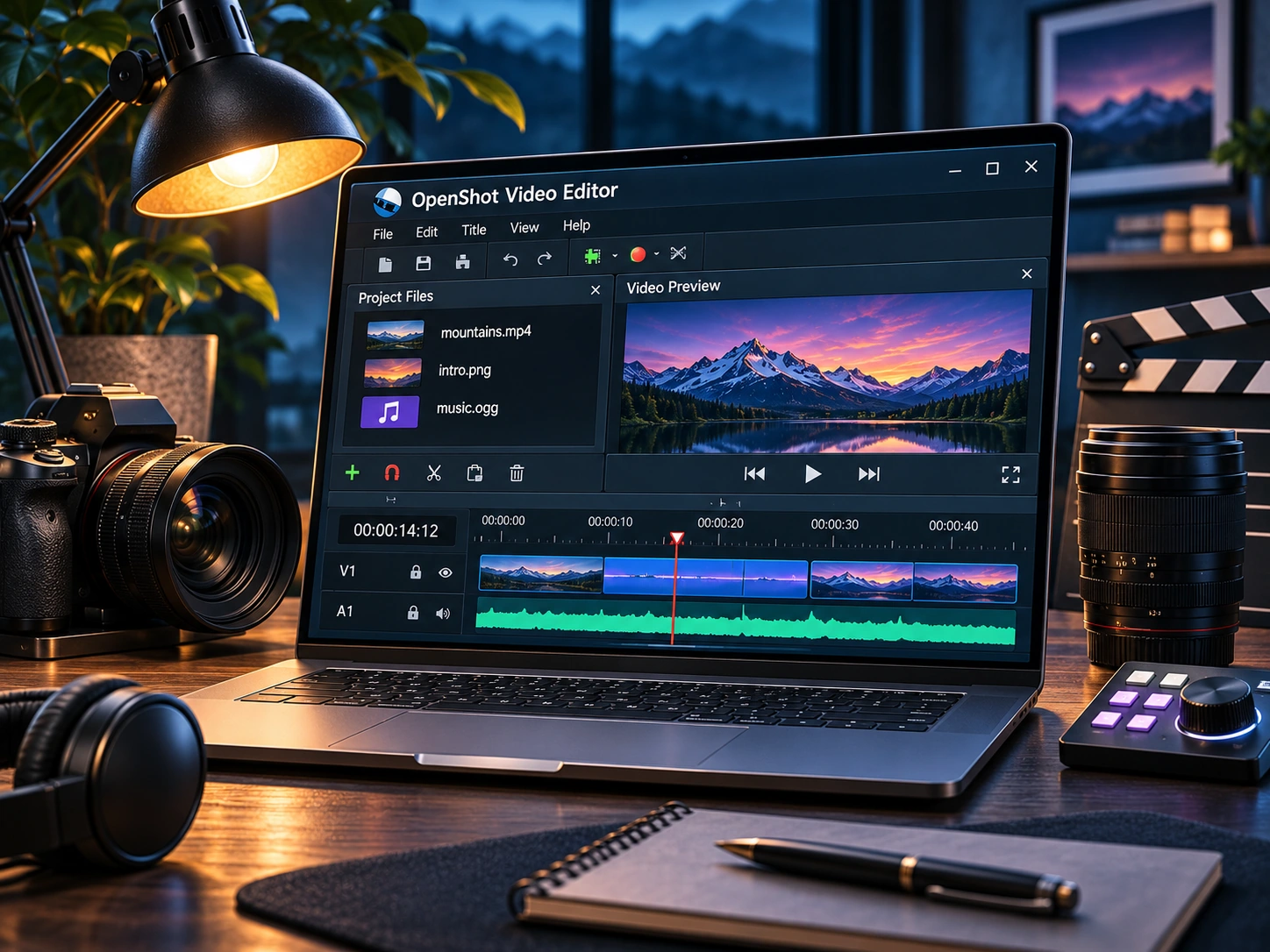
OpenShot Review: A Friendly Starting Point for Video Editing
A practical look at OpenShot’s timeline, titles, export workflow, and the tradeoffs beginners should know.
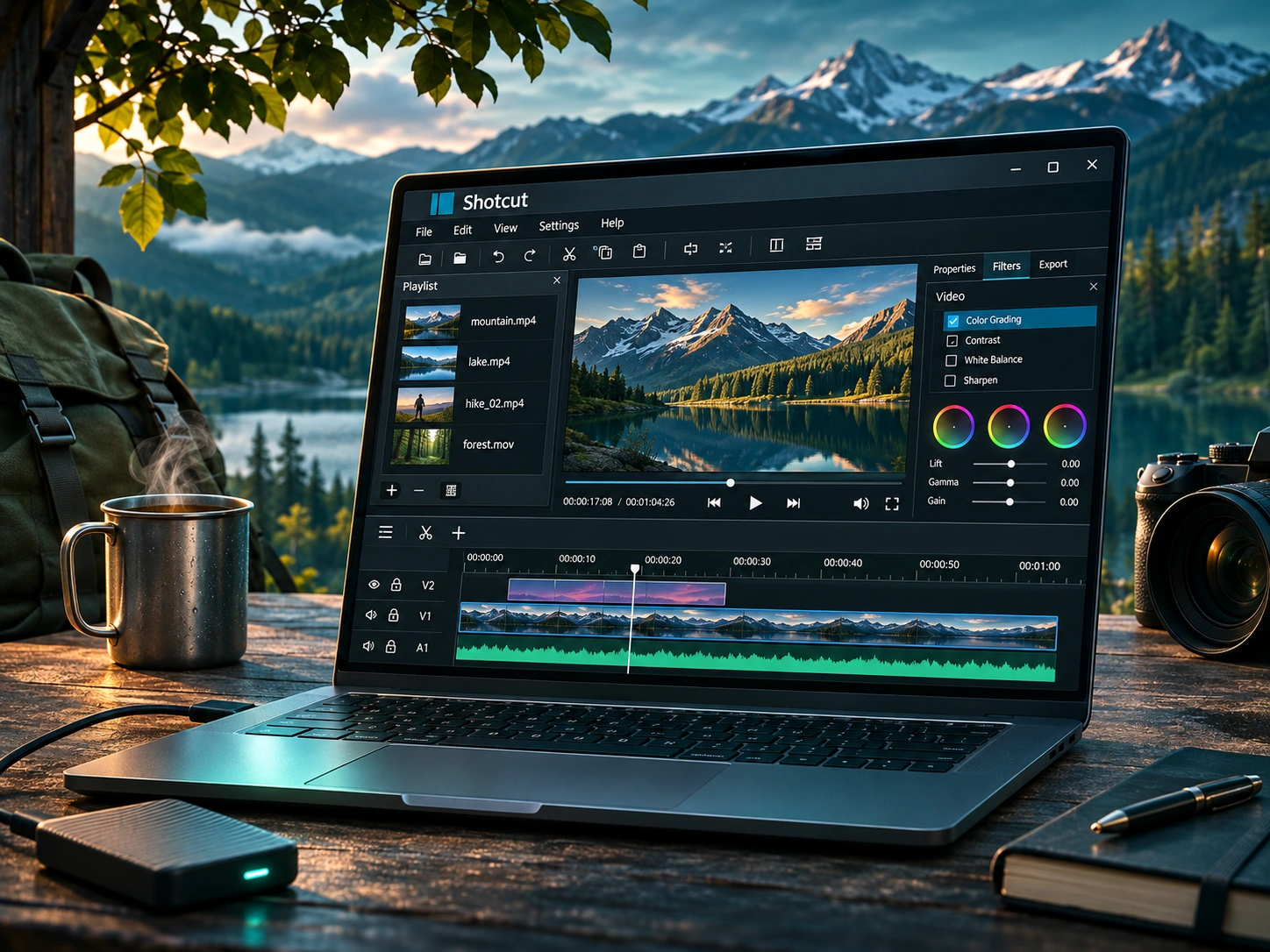
Shotcut Review: Flexible Free Editing for Windows
Shotcut offers a more configurable editing workspace. Here is when that flexibility helps and when it gets in the way.
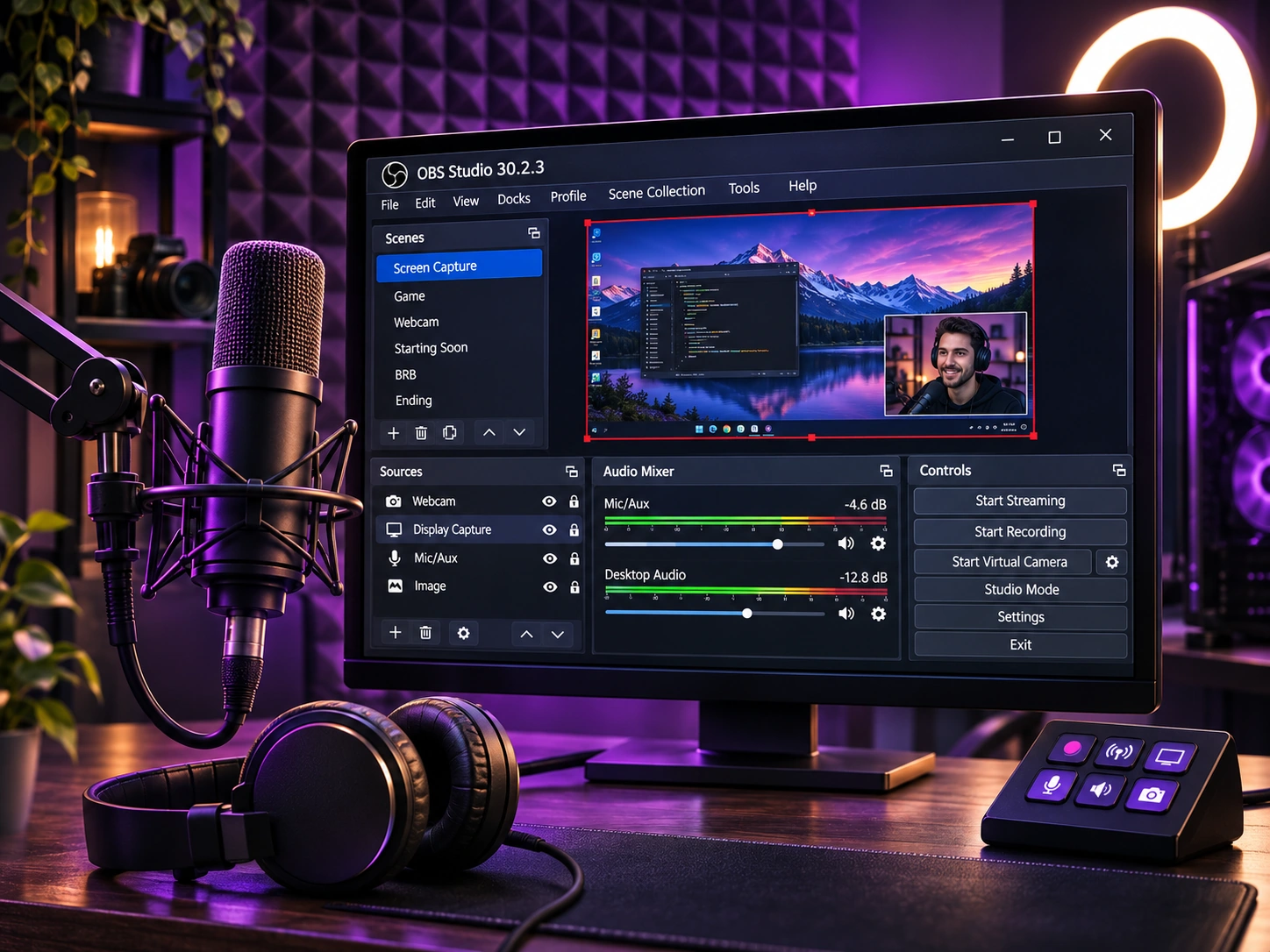
OBS Studio for Beginners: Recording Without a Paywall
Scenes, sources, audio meters, and recording formats explained for your first screen capture.
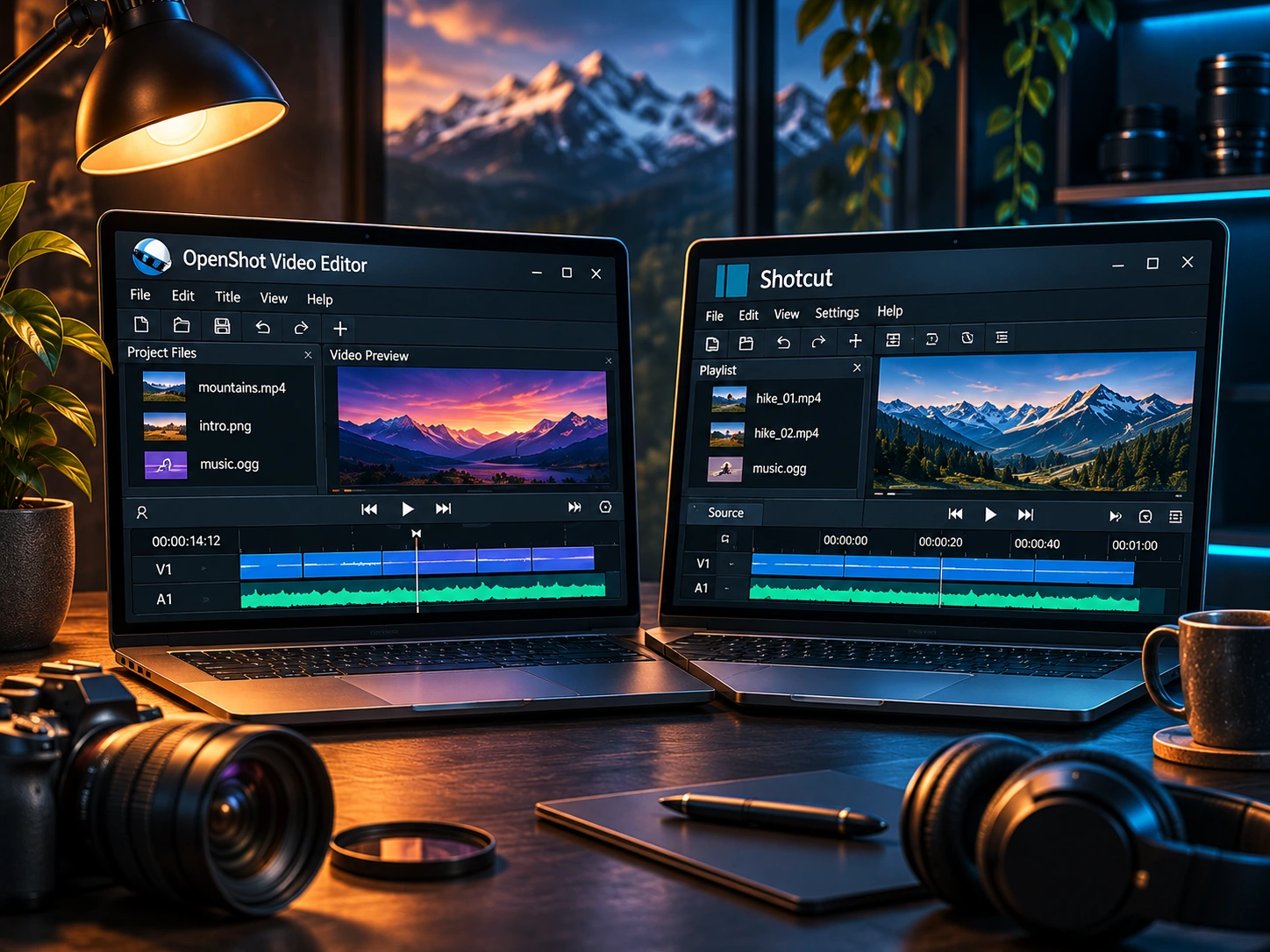
OpenShot vs Shotcut: Choosing a Free Windows Video Editor
A side-by-side comparison for beginners deciding between two no-cost video editors.
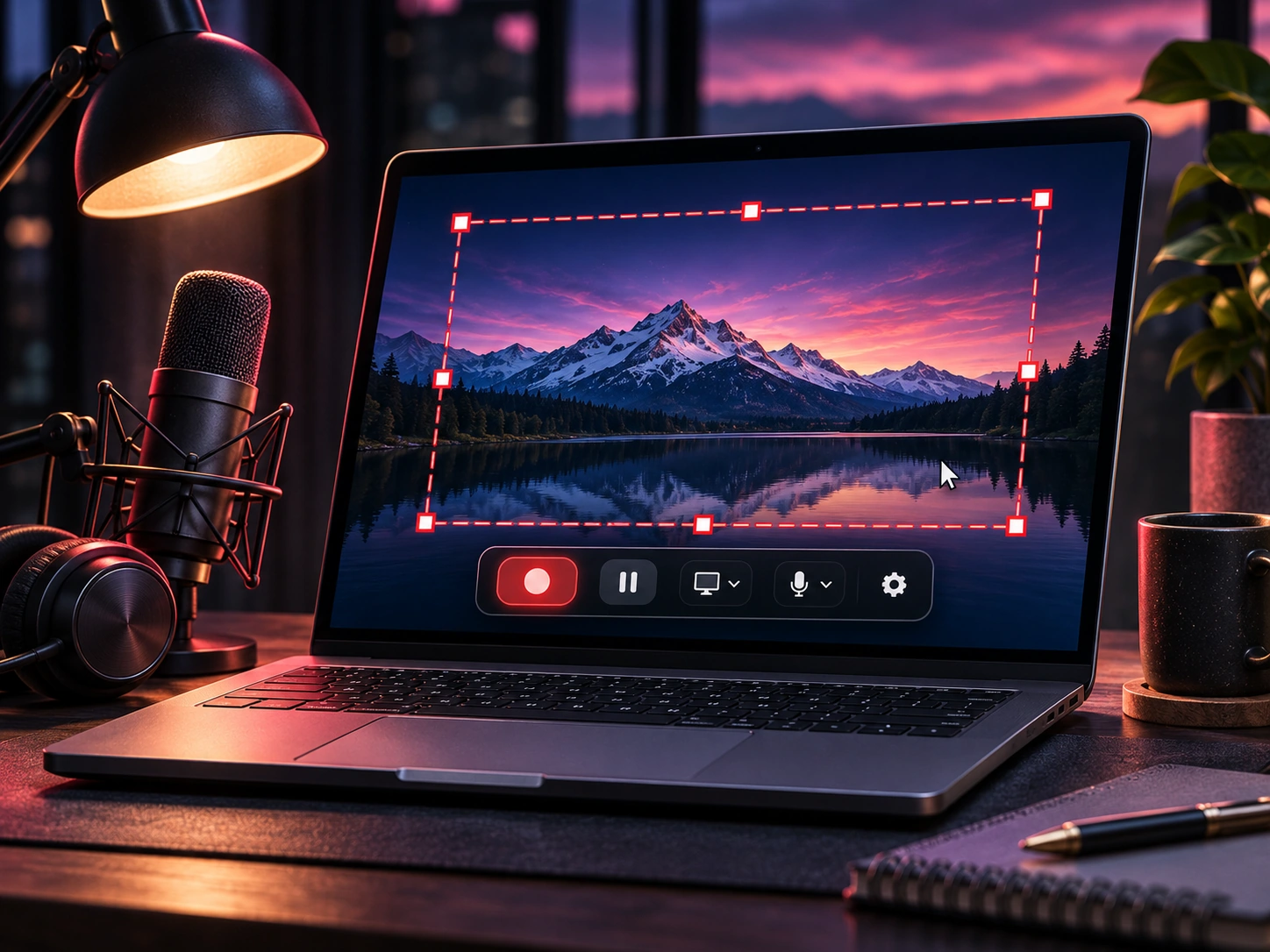
OBS Studio Tutorial: First Screen Recording on Windows
A beginner-friendly OBS setup walkthrough covering sources, audio, recording settings, and test captures.
Free Video Editing Software for Windows: OpenShot or Shotcut?
Compare two free desktop editors by difficulty, workflow, and projects rather than download buttons.
Free Screen Recording Software for PC: What to Look For
A practical checklist for choosing screen recording tools, with OBS Studio as an example.