Office & PDF
Independent perspective on desktop applications, day-to-day workflows, and the tradeoffs that matter.
LibreOffice: learn the whole suite
Start with Writer and Calc, then explore slides, PDF tools, databases and file compatibility. Each guide includes a focused task, example and official reference.
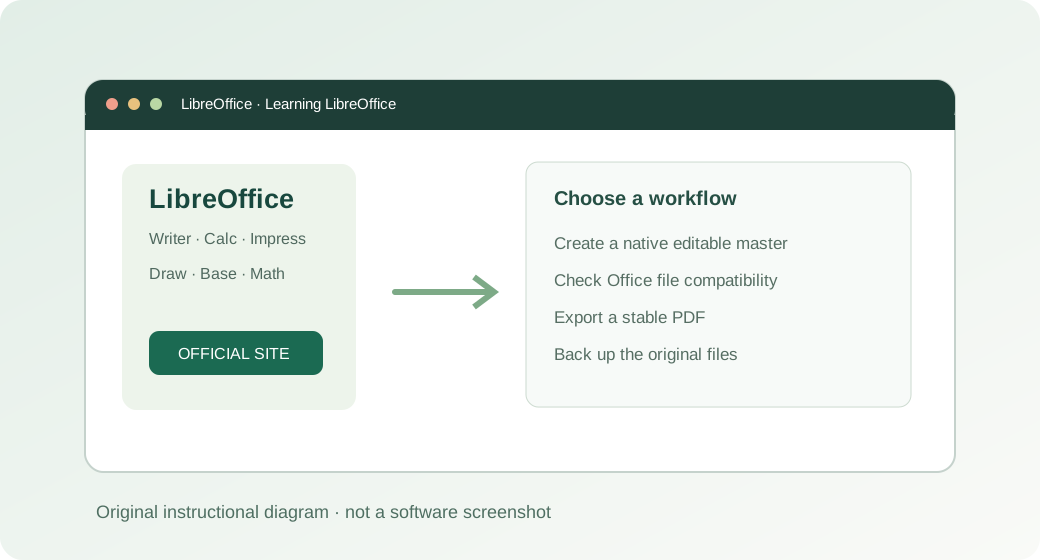
Official publisher websites
External links to the software publishers. We do not host installers or represent these developers.
PDF24 Creator Review: Useful PDF Tools That Work Offline
Merge, split, compress, and print to PDF on Windows, with a local workflow for sensitive documents.
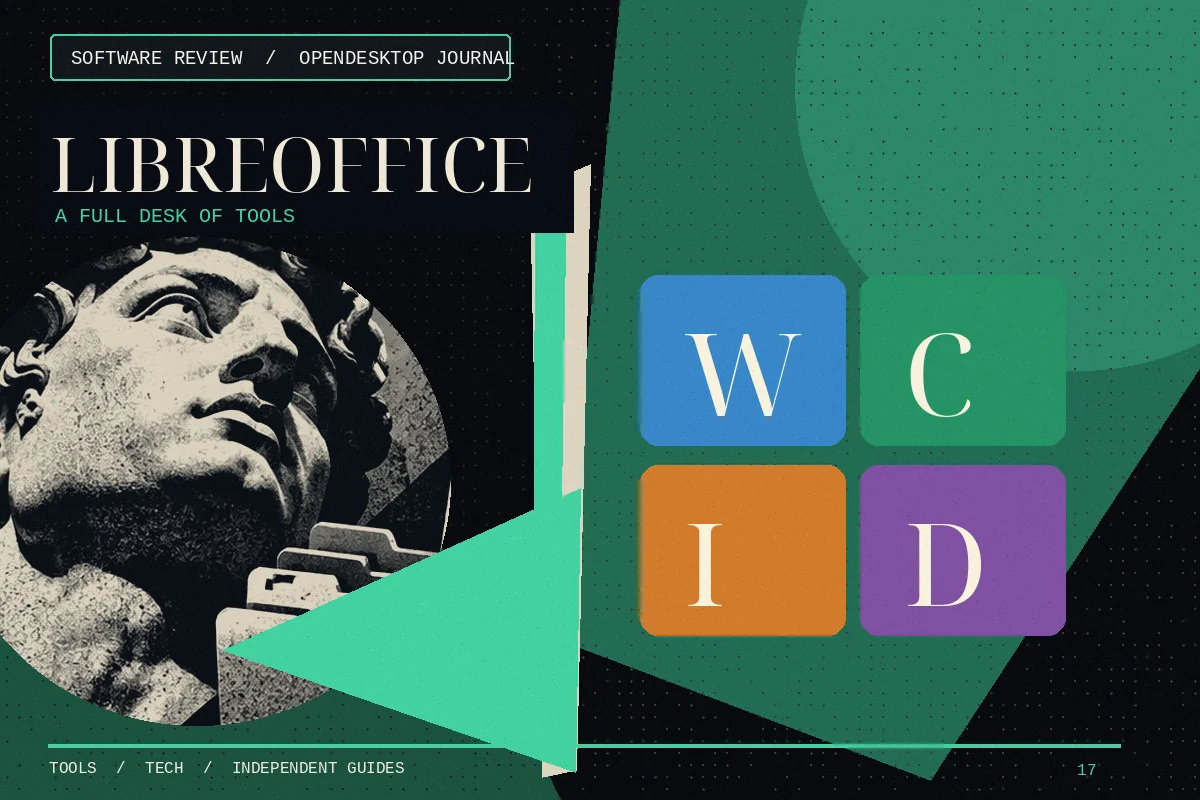
LibreOffice Review: A Full Office Suite Without a Subscription
What Writer, Calc, and Impress can cover, plus what to check before switching from Microsoft Office.

LibreOffice Calc: A Practical Guide to Free Spreadsheets
Learn how Calc handles formulas, worksheets, file compatibility, and everyday Excel alternatives.
How to Download and Install LibreOffice on Windows
Find the genuine LibreOffice installer, choose the right system build, and confirm Writer and Calc launch correctly.

LibreOffice Writer Tutorial: Your First Professional Document
Create a structured letter or short report with proper paragraph styles, page layout and export settings.

LibreOffice Calc Formulas for Beginners: SUM, AVERAGE and IF
Start with three useful formulas and learn how references behave when copied between cells.
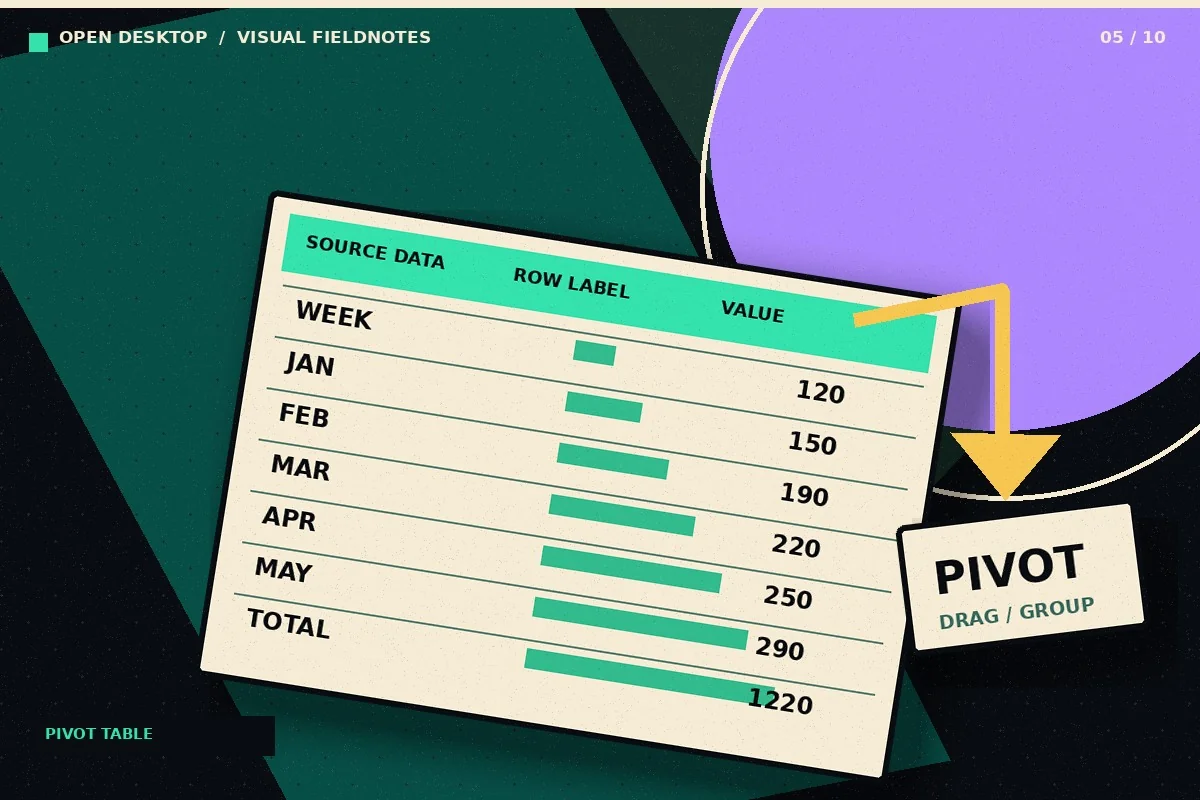
Create a Pivot Table in LibreOffice Calc: Step-by-Step
Turn a row-based transaction list into a summary by category and month using Calc pivot tables.

LibreOffice Impress Tutorial: Make Your First Slide Deck
Build a short presentation with consistent slides, meaningful visual hierarchy and a readable export.