Learn what LibreOffice can do locally and what still requires a network connection or external service. This tutorial focuses on a repeatable real-world task you can test on a sample file, not an unverified performance claim. LibreOffice is a desktop office suite; application menus and options may differ by operating system and release.
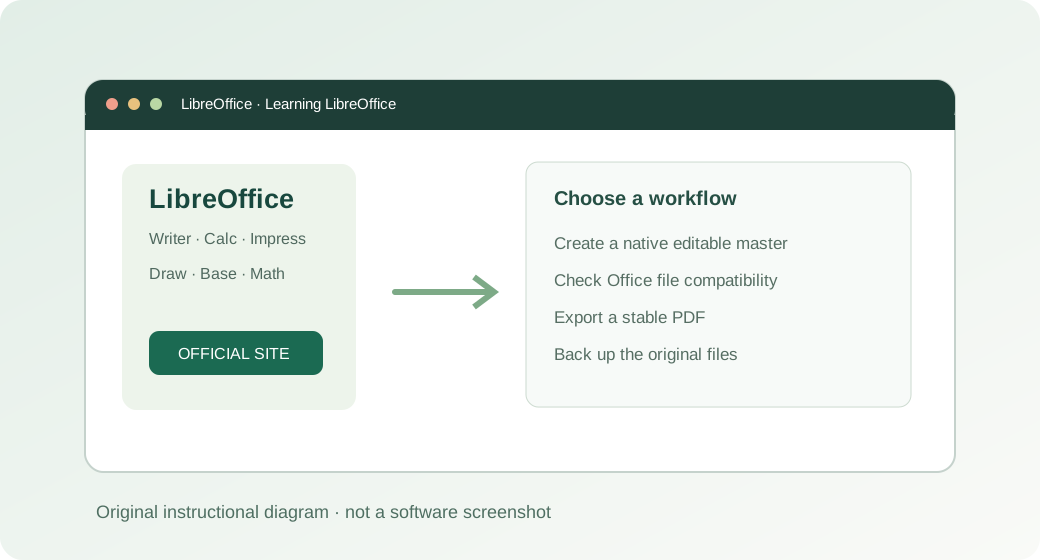
How to do it: a practical workflow
Work on a copy of your files when learning a new application. The sequence below gives you a testable outcome and a way to verify the result.
- Step 1. Install the suite using the official download while you have connectivity; after installation, standard editing is local.
- Step 2. Keep documents on the computer or a managed external drive if you expect to work without a connection.
- Step 3. Test offline use: disconnect from Wi-Fi, open a sample ODT, change it, save, and reopen the result.
- Step 4. Plan for features outside core editing, such as downloading extensions, obtaining updates, or accessing remote cloud files.
- Step 5. Back up regularly when the files are not stored in a synced service.
Worked example you can recreate
A field technician can maintain a weekly job log as an ODS spreadsheet on a laptop without constant Wi-Fi. At the end of the shift, export a PDF report and transfer it through the company’s approved channel.
Common problems and what to verify
“Offline” does not mean all connected extensions or synchronized document services work without access; those have separate requirements.
Before handing a document to someone else, open the output in the format that person will use. Check the content and key calculations rather than relying on an export-success notification.
Quick answer
Do I need a LibreOffice account to write a document?
No account is required for normal local Writer, Calc or Impress use.
Official reference and download
These instructions draw on documentation from The Document Foundation. For current user-interface details, refer to the official guide for this topic ↗. Download installation files only from LibreOffice's official download page ↗.
Keep learning
Each of these related guides answers a different task, so you can move from basic setup to a more specific workflow without repeating the same overview.
Independent educational coverage. Trebuchet is not affiliated with or endorsed by The Document Foundation. This article describes documented workflows and illustrative examples; it is not a report of hands-on benchmarking or testing.