LibreOffice Getting Started Guides
Installation, file formats, templates, privacy, keyboard shortcuts and alternatives to subscription office suites.
 Start Here · GUIDE
How to Download and Install LibreOffice on Windows
Find the genuine LibreOffice installer, choose the right system build, and confirm Writer and Calc launch correctly.
Read the guide ↗ Start Here · GUIDE
LibreOffice vs Microsoft Office: What Changes in Real Work?
Compare file formats, offline use, collaboration and Excel-specific workloads before moving an office workflow.
Read the guide ↗ Start Here · GUIDE
LibreOffice vs Google Docs: Offline Editing or Browser Collaboration?
Understand which tasks benefit from a desktop office suite and which need browser-based live collaboration.
Read the guide ↗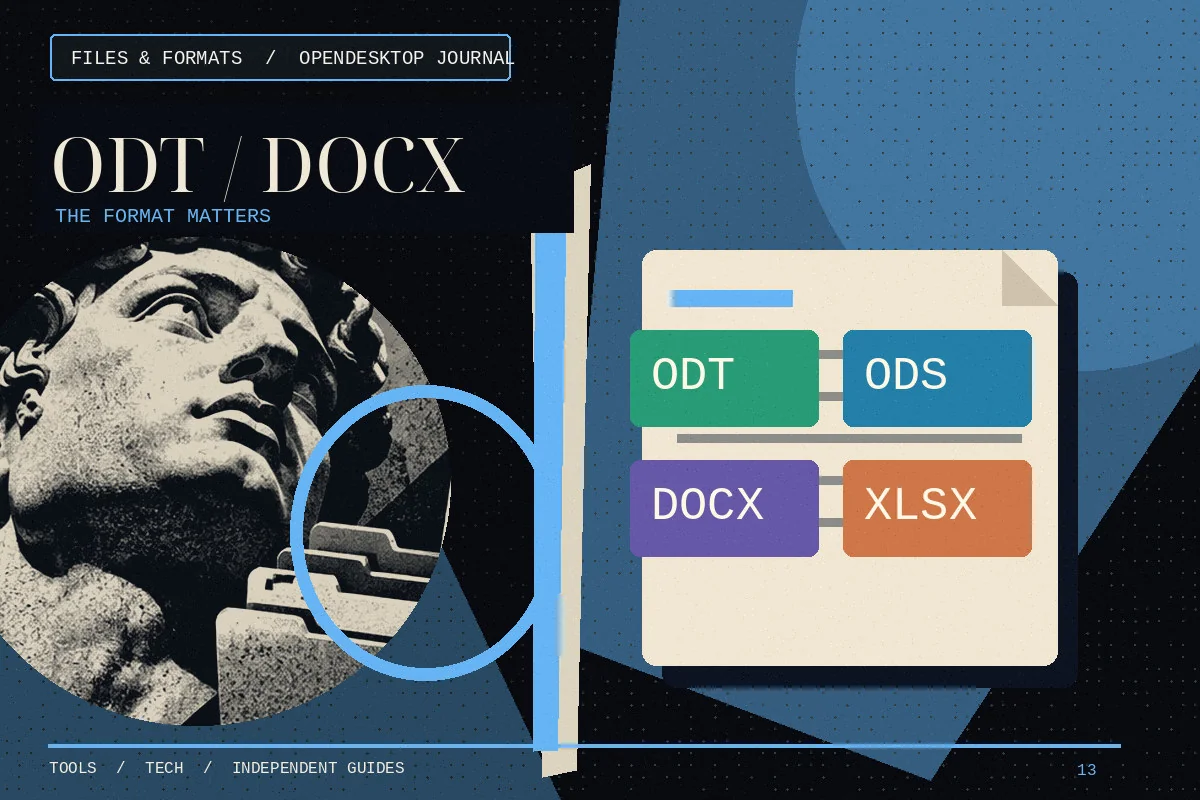 Start Here · GUIDE
ODT, ODS, DOCX and XLSX: LibreOffice File Formats Explained
Know when to keep OpenDocument files, when to exchange Microsoft formats and when to send a PDF.
Read the guide ↗ Start Here · GUIDE
LibreOffice Templates: Build Reusable Letters, Budgets and Slides
Create repeatable office files with consistent styles, formulas and layout rather than copying last month’s final document.
Read the guide ↗ Start Here · GUIDE
Can You Use LibreOffice Offline? What Works Without Internet
Learn what LibreOffice can do locally and what still requires a network connection or external service.
Read the guide ↗ Start Here · GUIDE
LibreOffice Keyboard Shortcuts That Actually Save Time
Build a small set of reliable shortcuts for document editing, searching, formatting and spreadsheet work.
Read the guide ↗ Start Here · GUIDE
Change the LibreOffice Interface and Spellcheck Language
Distinguish user-interface language from proofing dictionaries and document language settings.
Read the guide ↗ Start Here · GUIDE
LibreOffice Extensions and Macro Safety: A Checklist
Assess add-ons, templates and macros before giving them access to documents or the system.
Read the guide ↗ Start Here · GUIDE
Install LibreOffice on Mac: Intel and Apple Silicon
Choose the correct LibreOffice build for macOS and check its first launch and file associations.
Read the guide ↗