7-Zip Review: Straightforward File Compression on Windows
An uncomplicated file archiver with strong compression and support for many common archive formats.
By Trebuchet Editorial Desk··6 min read
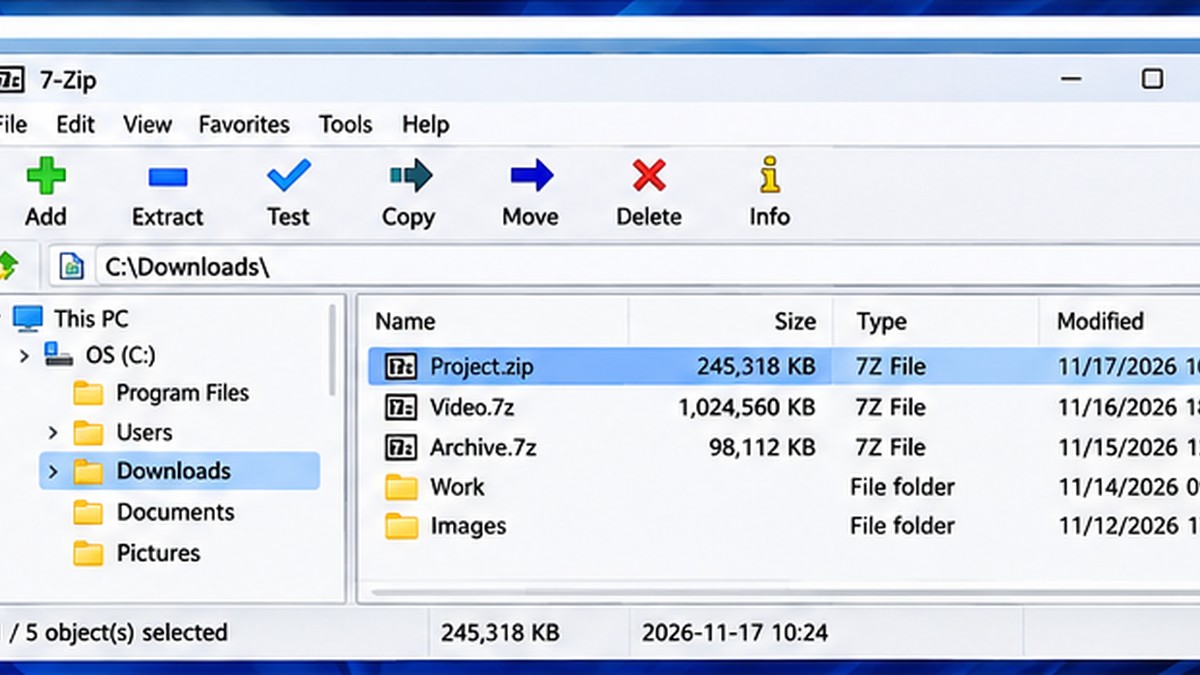
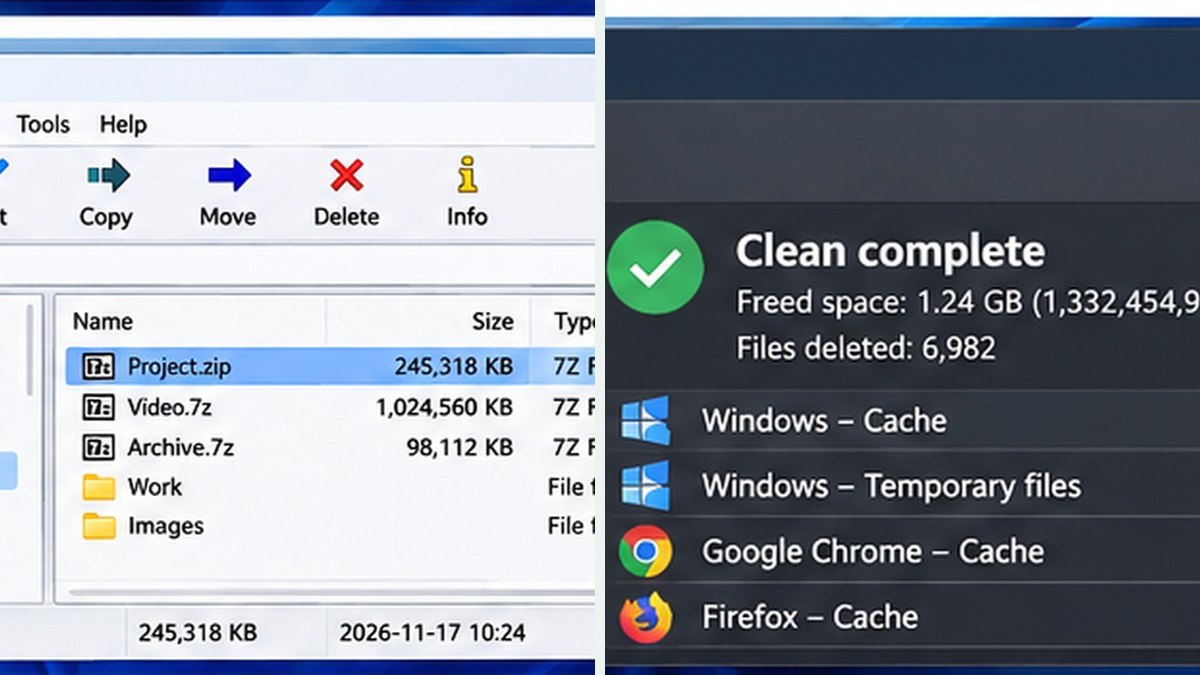
Original editorial artwork for Trebuchet. This is an illustration, not a screenshot of the software.
7-Zip belongs to a category of desktop tools that can handle useful everyday jobs without an ongoing subscription. The central question is not just whether it is free, but whether its workflow fits what you want to accomplish.
This editorial overview uses published product documentation and publicly available feature information. It is not a hands-on benchmark or security audit; readers should check current system requirements and product updates with the publisher.
Interface reference · View source and context. Screenshot may show an older version; interface details can change.
Who is 7-Zip for?
Editorial interface illustration (AI-generated); appearance may differ from current software versions.
Almost anyone who handles downloaded archives, backups, or large file collections. It is worth listing the tasks you repeat each week before picking an application: an impressive feature list is less valuable than a tool that solves your recurring problem reliably.
Where it stands out
Editorial interface illustration (AI-generated); appearance may differ from current software versions.
7z compression format and broad extraction support
Integrates with everyday Windows file workflows
Free, open source, and lightweight
These capabilities make the software worth considering, but the right fit depends on your files, device, experience, and tolerance for setup. Where possible, try a small sample project before moving important work into a new application.
Tradeoffs to know
Utility-style interface rather than a modern dashboard
Archive encryption still requires strong password habits
No free desktop tool is automatically the best choice for every user. Compatibility, documentation, backup options, and continued project maintenance matter as much as its headline features.
A sensible first-use checklist
Create an archive from sample files, extract it into a separate directory, and verify the resulting contents. Avoid opening unexpected executable files from unknown archives.
Installation safety: use the publisher’s official website, verify the publisher and installer details, keep Windows protection enabled, and avoid unexpected download mirrors or bundled offers.
Our editorial verdict
7-Zip is one of the most practical utility installs for a Windows workstation.
If you need to choose an archive manager, our 7-Zip vs WinRAR comparison looks at licensing, archive formats, everyday usability, and encryption. For confidential files, test your password-protected archive and remember to share passwords separately.
A closer look: how this fits into everyday work
Features make more sense when you connect them to a familiar task. The following examples focus on ordinary desktop workflows, common points of confusion, and the decisions that are easy to overlook when reading a list of specifications.
Why an archive tool still matters
Windows can handle ordinary ZIP files, but work quickly becomes more complicated when someone sends a 7z archive, a large folder collection or an encrypted package. 7-Zip provides a straightforward way to inspect and extract files without needing a paid subscription.
Imagine a client sends a folder containing fifty invoices, two spreadsheets and several scans. Packaging the whole folder into one archive preserves its structure and makes it easier to move as a unit. That is different from encrypting it, and it is worth understanding the difference before sharing anything sensitive.
The ordinary extract-and-check workflow
When you receive an archive, create a destination folder before extracting it. This avoids scattering dozens of files across your Downloads directory. Review the filenames, run a routine malware scan as appropriate and only then open the documents you expected to receive.
If a file is not what the sender described, do not treat it as safe just because it arrived in a ZIP or 7z file. Compression changes packaging, not trustworthiness. An archive can contain executable programs, scripts or misleading file extensions.
Reader tip: menus, screenshots and exact settings may change between software versions. Check the publisher’s documentation before following a step that affects important files.
Compression, formats and encryption
The 7z format can offer strong compression, particularly for certain kinds of repetitive data. But the smallest file is not always the best option. ZIP is widely understood by recipients who have not installed additional software; choose compatibility when the other person simply needs to open a routine document package.
For sensitive files, look specifically at encryption settings and password handling. Do not send the password in the same message as the archive when confidentiality matters. Also remember that encryption does not replace backups or correct access permissions.
What the interface gets right—and wrong
7-Zip's utility-style interface is plain and functional. People who use it once a month may never need more than Extract and Add, while IT staff can appreciate the additional format options. The design is not trying to resemble a modern cloud drive.
If you often collaborate with people who use built-in Windows ZIP tools, test the archive on a second computer before sending it. A technically valid archive is of little help if the recipient cannot open it without extra instructions.
Before you commit important work
Make a small test project with files that are safe to experiment on. Confirm that the result opens, that you understand where it was saved, and that a backup exists for anything irreplaceable. Even popular software can behave differently across Windows versions, hardware configurations and file formats.
Also consider who will receive the result. A technically impressive export is not helpful if a collaborator cannot open it, the text is unreadable or the accounting report does not match the source records. Choose settings and formats with the end user in mind rather than treating the default option as universally correct.
Finally, use the official publisher website for current downloads, release notes and system requirements. This journal links to publishers and reviews software workflows; it does not distribute installers or claim that the applications were benchmarked in our lab.
Editorial disclosure: this is an independent informational article. Trebuchet is not affiliated with 7-Zip. We do not host installers or claim endorsement from the publisher. No hands-on testing is asserted.