BleachBit Review: A Careful Approach to Cleaning Temporary Files
What a free cleanup utility can remove—and why previewing changes matters more than flashy speed claims.
By Trebuchet Editorial Desk··6 min read
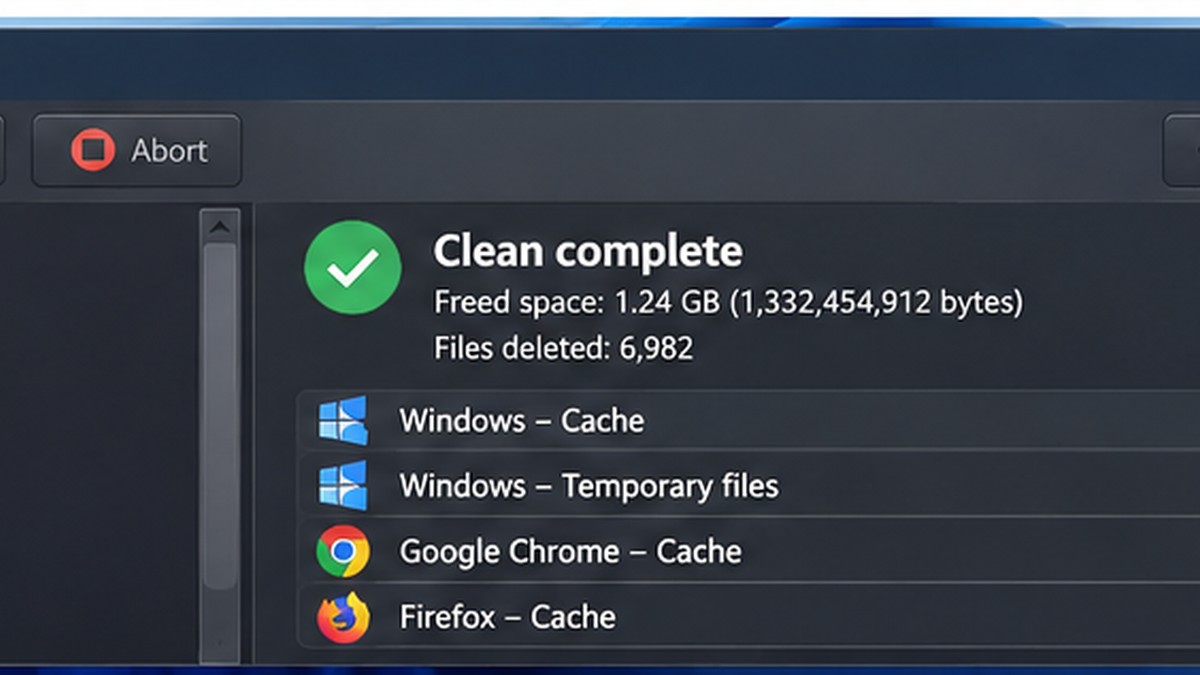
Original editorial artwork for Trebuchet. This is an illustration, not a screenshot of the software.
BleachBit belongs to a category of desktop tools that can handle useful everyday jobs without an ongoing subscription. The central question is not just whether it is free, but whether its workflow fits what you want to accomplish.
This editorial overview uses published product documentation and publicly available feature information. It is not a hands-on benchmark or security audit; readers should check current system requirements and product updates with the publisher.
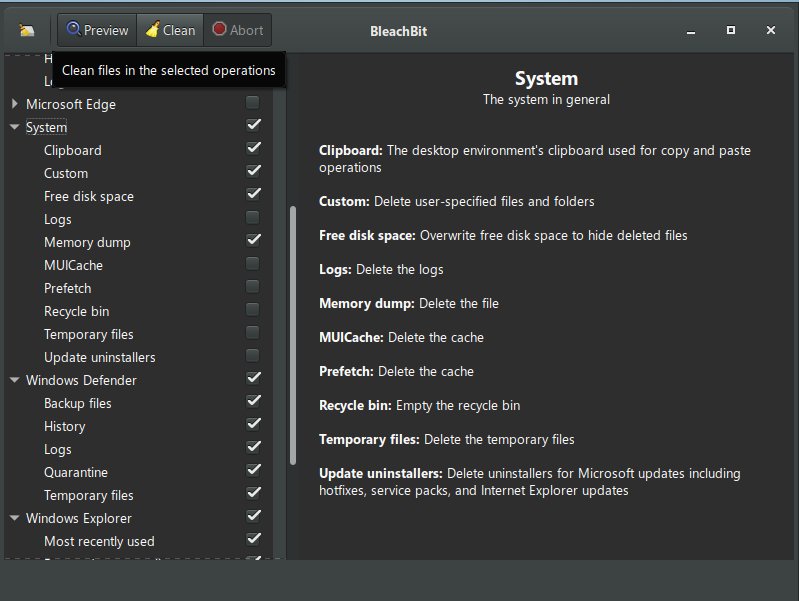
Interface reference · View source and context. Screenshot may show an older version; interface details can change.
Who is BleachBit for?
Editorial interface illustration (AI-generated); appearance may differ from current software versions.
Windows users who want to review and remove selected temporary files. It is worth listing the tasks you repeat each week before picking an application: an impressive feature list is less valuable than a tool that solves your recurring problem reliably.
Where it stands out
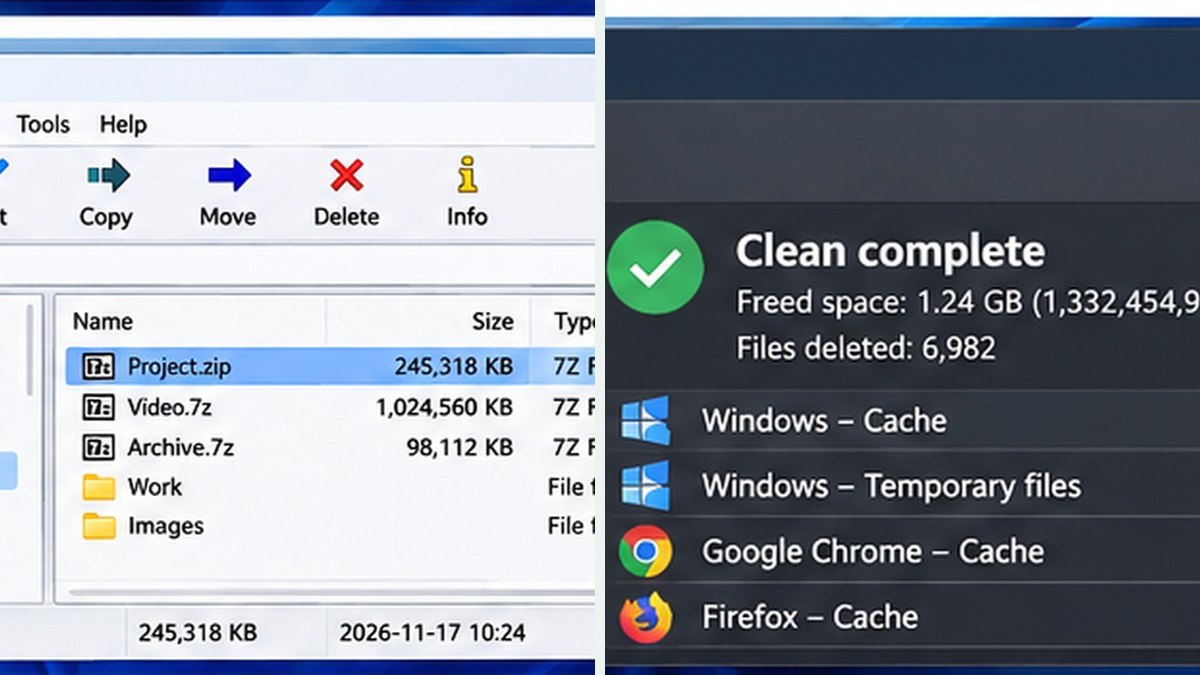
Editorial interface illustration (AI-generated); appearance may differ from current software versions.
Preview-oriented cleanup workflow
Free, open-source application
Granular categories for supported applications
These capabilities make the software worth considering, but the right fit depends on your files, device, experience, and tolerance for setup. Where possible, try a small sample project before moving important work into a new application.
Tradeoffs to know
Deleting caches can sign you out or remove useful temporary data
No cleaner can guarantee a faster computer
No free desktop tool is automatically the best choice for every user. Compatibility, documentation, backup options, and continued project maintenance matter as much as its headline features.
A sensible first-use checklist
Back up important data, preview selected cleanup categories, read each description, and avoid options you do not understand. Run a small test first.
Installation safety: use the publisher’s official website, verify the publisher and installer details, keep Windows protection enabled, and avoid unexpected download mirrors or bundled offers.
Our editorial verdict
BleachBit is useful when approached as a selective housekeeping tool rather than a one-click performance miracle.
The safest cleanup routine is selective: review what will be deleted and keep backups. Our BleachBit vs CCleaner comparison discusses cleanup choices, privacy considerations, and limitations.
A closer look: how this fits into everyday work
Features make more sense when you connect them to a familiar task. The following examples focus on ordinary desktop workflows, common points of confusion, and the decisions that are easy to overlook when reading a list of specifications.
Cleaning a computer should be a modest goal
A cleanup utility can remove selected temporary files and caches, but it cannot magically transform an aging machine into new hardware. BleachBit is useful to consider when you understand what you want to remove and why. If your disk is nearly full, begin by looking at large downloads, unused applications and old video exports before running a broad cleaning operation.
Temporary files can often be rebuilt, but other stored data may be important. Browsing sessions, application history and certain caches are conveniences you may miss immediately after deleting them.
Preview first, delete second
Read each cleaning option as a specific action rather than ticking every checkbox. The preview function can help reveal what is targeted. If an entry is unfamiliar, leave it alone until you understand its consequences. There is little reward for saving a few megabytes at the cost of losing information you wanted to keep.
Close affected programs before cleaning. Make a backup of essential files and, when appropriate, take an ordinary Windows restore or recovery precaution. A safe cleanup routine is a small, repeatable one—not an annual emergency.
Reader tip: menus, screenshots and exact settings may change between software versions. Check the publisher’s documentation before following a step that affects important files.
Privacy expectations versus reality
Deleting local traces can reduce clutter, but it does not guarantee that information disappears from cloud services, backups, workplace logs or remote servers. Be skeptical of any cleanup product marketed as a universal eraser of digital activity.
If privacy is the primary goal, think about account settings, browser synchronization and device security as well as local files. A cleaner is one narrow tool in a much wider process.
When Windows tools may be enough
Windows already includes storage management features that handle many basic cleanup jobs. Start there if all you need is to remove temporary files and locate large folders. BleachBit is more relevant to users who want granular choices about certain applications and caches.
Avoid cleaning during an important software update, backup or active work session. The best maintenance practice is one you can explain and reverse where possible.
Before you commit important work
Make a small test project with files that are safe to experiment on. Confirm that the result opens, that you understand where it was saved, and that a backup exists for anything irreplaceable. Even popular software can behave differently across Windows versions, hardware configurations and file formats.
Also consider who will receive the result. A technically impressive export is not helpful if a collaborator cannot open it, the text is unreadable or the accounting report does not match the source records. Choose settings and formats with the end user in mind rather than treating the default option as universally correct.
Finally, use the official publisher website for current downloads, release notes and system requirements. This journal links to publishers and reviews software workflows; it does not distribute installers or claim that the applications were benchmarked in our lab.
Editorial disclosure: this is an independent informational article. Trebuchet is not affiliated with BleachBit. We do not host installers or claim endorsement from the publisher. No hands-on testing is asserted.