7-Zip vs WinRAR: Which Archive Tool Fits Your Workflow?
Compare archive formats, encryption, everyday usability, and how the free and paid options differ.
By Trebuchet Editorial Desk··Editorial guide
Original editorial artwork for Trebuchet. This is an illustration, not a screenshot of the software.
Editorial overview: This article is based on public product documentation and published capabilities, not hands-on benchmark testing. Features and licensing may change; verify details with each publisher.
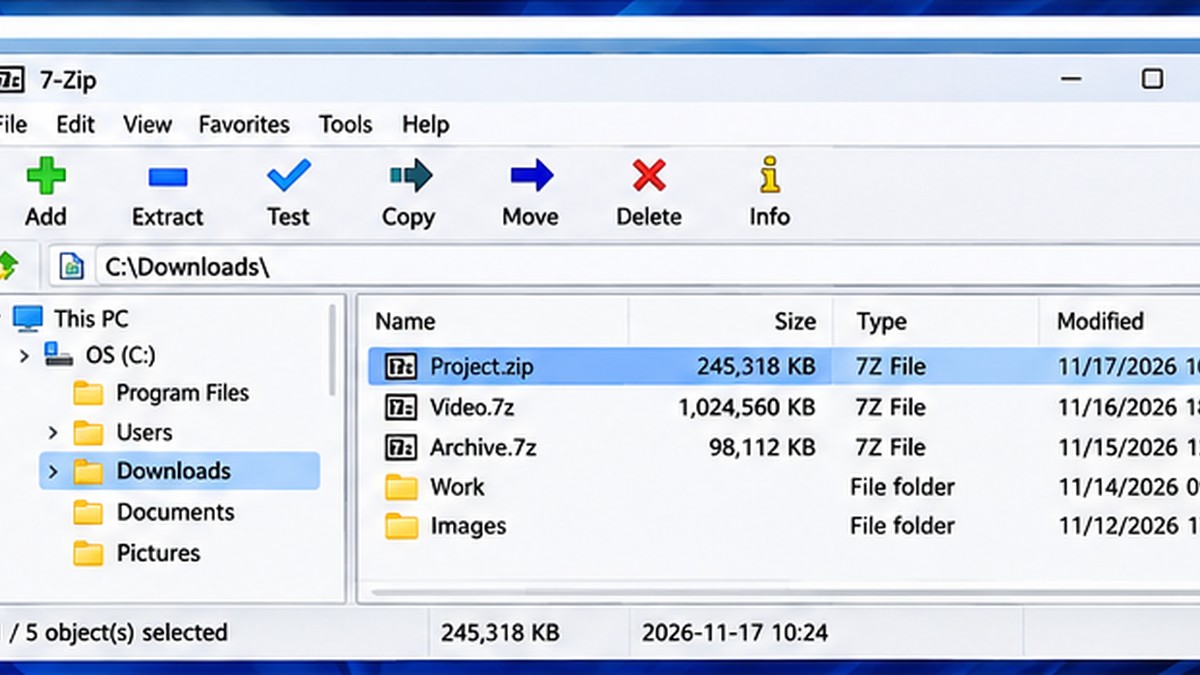
Interface reference · View source and context. Screenshot may show an older version; interface details can change.
The decision in brief
Editorial interface illustration (AI-generated); appearance may differ from current software versions.
7-Zip is free and open source, while WinRAR is commercial software offered with an evaluation period. For everyday ZIP extraction either may be enough; the choice becomes more interesting when you need particular archive formats, encrypted archives, or a repeatable workflow.
Compression formats and compatibility
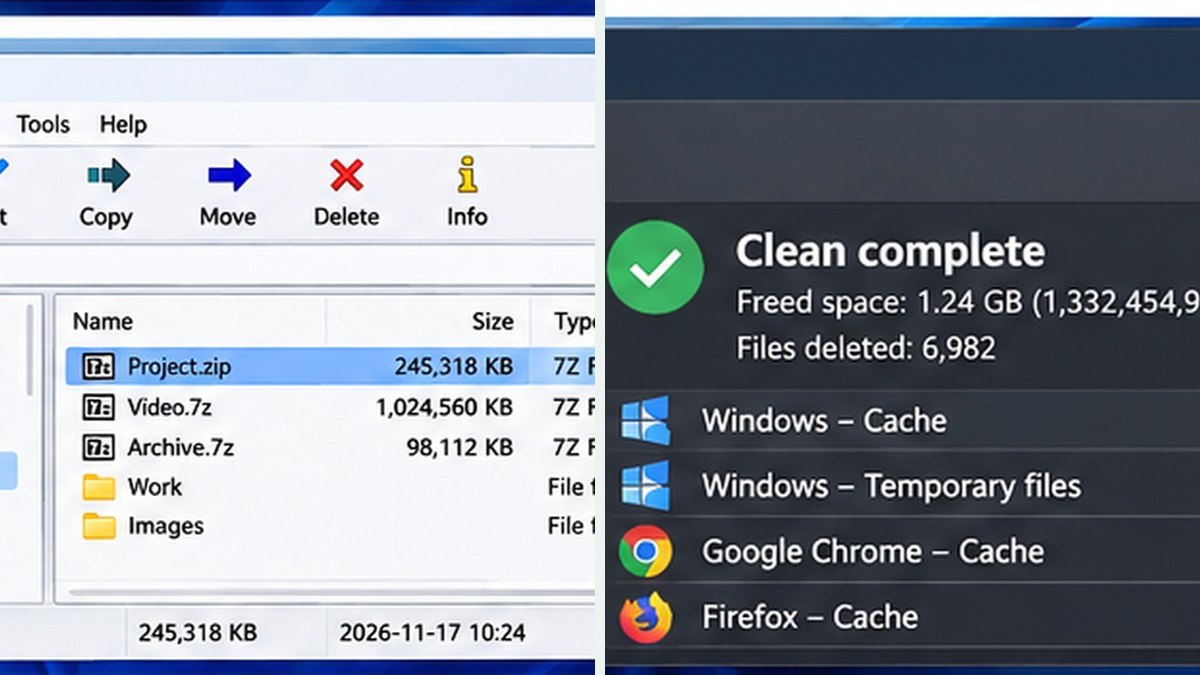
Editorial interface illustration (AI-generated); appearance may differ from current software versions.
7-Zip can create 7z and ZIP archives and extract numerous other formats. WinRAR is known for RAR archives and also handles ZIP. If your collaborators expect a particular format, that constraint matters more than headline compression ratios. Test your recipients’ ability to open the final file.
Encryption and password handling
Both offer ways to protect archives with passwords, but support depends on the chosen archive type and settings. Use modern encryption options, send passwords over a separate channel, and remember that encrypted archives do not replace secure backups.
Ease of use on Windows
Both integrate with common file-management tasks. 7-Zip is straightforward for right-click extraction and archiving; WinRAR offers its own established interface. Explore the menu structure and verify options before overwriting existing files.
Which should you choose?
Choose 7-Zip if your priority is a no-cost archive utility and broadly compatible ZIP or 7z workflows. Consider WinRAR when your team specifically works with RAR archives or prefers its commercial product experience. Neither program should be downloaded from unofficial mirrors.
Software safety: Use official publisher websites, check supported operating systems and release notes, and keep a backup of important projects and data.
A closer look: how this fits into everyday work
Features make more sense when you connect them to a familiar task. The following examples focus on ordinary desktop workflows, common points of confusion, and the decisions that are easy to overlook when reading a list of specifications.
Start with the files you actually exchange
It is tempting to compare compression tools using a single benchmark number, but daily work is usually simpler: can you open the archive your coworker sent, can you package your files, and can the recipient get them back out? 7-Zip is free and open source; WinRAR is a commercial application with a trial-based distribution model.
If your organization already receives RAR archives, format support matters. If most of your exchanges use ZIP and 7z, the case for paying for another desktop utility may be weaker. Neither tool should be judged solely on its homepage feature list.
Compression and convenience are different things
A compression ratio depends on the files being packed. A folder of plain-text logs may shrink dramatically; already compressed videos and photos may barely shrink at all. That is why claims about one product always beating another can be misleading without a consistent file set.
Look at how easily you can create an archive in the format your recipients expect. A slightly larger ZIP file that opens on everybody's computer may be a better deliverable than a smaller archive that generates a support request.
Reader tip: menus, screenshots and exact settings may change between software versions. Check the publisher’s documentation before following a step that affects important files.
Encryption needs a separate decision
Both tools provide ways to protect archives, but you still need a deliberate password process. A password written in the same email as the file offers limited protection against email compromise. Check whether the archive format and options protect filenames as well as file contents when that matters.
If you are sending legal, financial or customer documents, follow the recipient's security requirements rather than assuming any archive is an approved transport mechanism.
Our practical recommendation
For most people looking for a genuinely free Windows archiver, begin with 7-Zip. WinRAR may still fit established RAR-centered workflows or workplaces where its interface and features are already standard.
The best test is ordinary: archive a folder, share it with the intended recipient, extract it on the other side and confirm every file arrived intact. A utility should make that process boring and reliable.
Before you commit important work
Make a small test project with files that are safe to experiment on. Confirm that the result opens, that you understand where it was saved, and that a backup exists for anything irreplaceable. Even popular software can behave differently across Windows versions, hardware configurations and file formats.
Also consider who will receive the result. A technically impressive export is not helpful if a collaborator cannot open it, the text is unreadable or the accounting report does not match the source records. Choose settings and formats with the end user in mind rather than treating the default option as universally correct.
Finally, use the official publisher website for current downloads, release notes and system requirements. This journal links to publishers and reviews software workflows; it does not distribute installers or claim that the applications were benchmarked in our lab.
Trebuchet is an independent informational publication. We are not affiliated with the publishers mentioned and do not host software installers. This article is not a laboratory test or a paid endorsement.