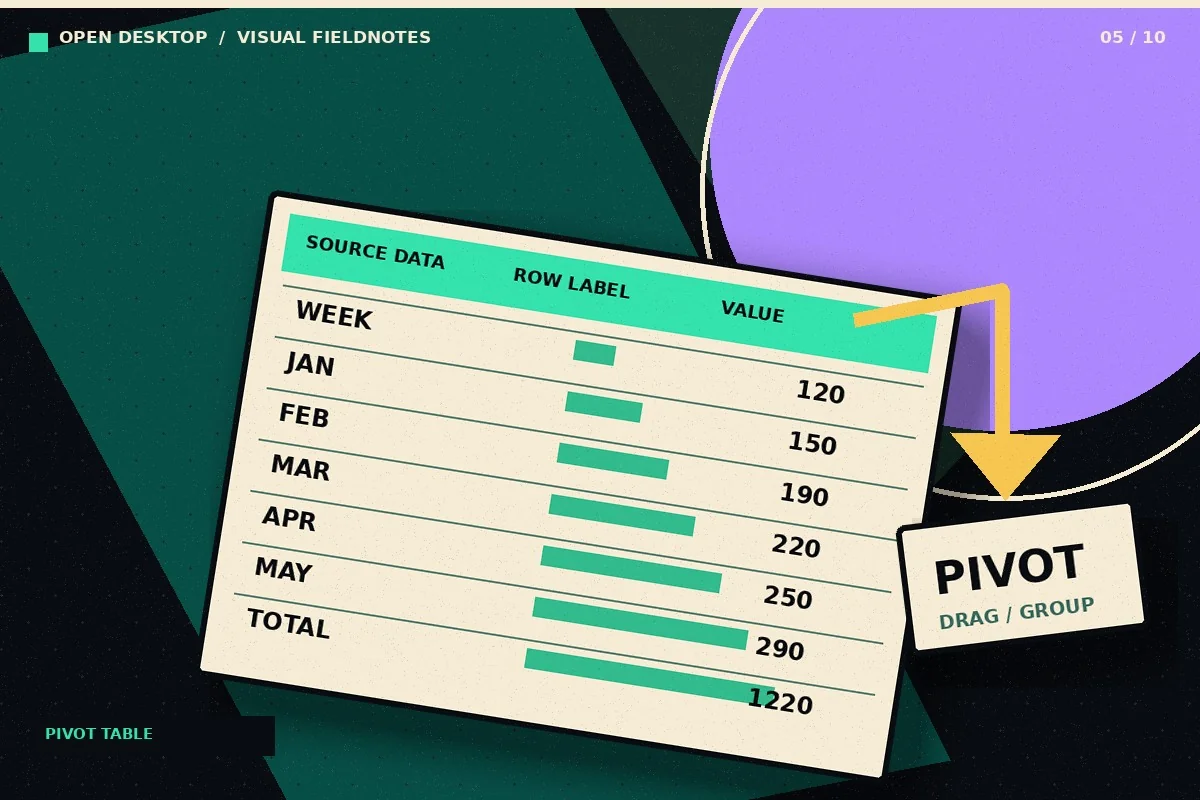
Turn a row-based transaction list into a summary by category and month using Calc pivot tables. This tutorial focuses on a repeatable real-world task you can test on a sample file, not an unverified performance claim. LibreOffice is a desktop office suite; application menus and options may differ by operating system and release.
How to do it: a practical workflow
Work on a copy of your files when learning a new application. The sequence below gives you a testable outcome and a way to verify the result.
- Step 1. Clean the source: one header row, one record per row, and no blank columns cutting through the dataset.
- Step 2. Select a cell inside the data table, then use Insert > Pivot Table in current LibreOffice help; in older installations, the Pivot Table menu may appear elsewhere.
- Step 3. Put Category into Row Fields, Month into Column Fields and Amount into Data Fields with Sum aggregation.
- Step 4. Generate the report on a separate area and compare its grand total with the source total.
- Step 5. When source data changes, refresh or rebuild the pivot table instead of assuming the summary updates automatically.
Worked example you can recreate
A transaction register has Date, Category and Amount. With 12 months of records, build a pivot showing Rent, Supplies and Travel by month. Compare the annual grand total with =SUM(AmountRange) on the source sheet.
Common problems and what to verify
Text values in the Amount column may be counted instead of summed. Source hygiene matters more than the styling of the pivot report.
Before handing a document to someone else, open the output in the format that person will use. Check the content and key calculations rather than relying on an export-success notification.
Quick answer
What is DataPilot?
DataPilot is an older name historically associated with Calc pivot-table functionality; current help describes pivot tables directly.
Official reference and download
These instructions draw on documentation from The Document Foundation. For current user-interface details, refer to the official guide for this topic ↗. Download installation files only from LibreOffice's official download page ↗.
Keep learning
Each of these related guides answers a different task, so you can move from basic setup to a more specific workflow without repeating the same overview.
Independent educational coverage. Trebuchet is not affiliated with or endorsed by The Document Foundation. This article describes documented workflows and illustrative examples; it is not a report of hands-on benchmarking or testing.