LibreOffice Calc Guides
Spreadsheets, formulas, VLOOKUP, CSV import, pivot tables, charts, budgeting and Excel file compatibility.
 Calc · GUIDE
LibreOffice Calc Formulas for Beginners: SUM, AVERAGE and IF
Start with three useful formulas and learn how references behave when copied between cells.
Read the guide ↗ Calc · GUIDE
SUMIF and COUNTIF in LibreOffice Calc, with Examples
Summarize expenses by category and count matching records without manually filtering every row.
Read the guide ↗ Calc · GUIDE
VLOOKUP in LibreOffice Calc: Match IDs Without Manual Copying
Use an ID as a key to retrieve matching information from a structured table.
Read the guide ↗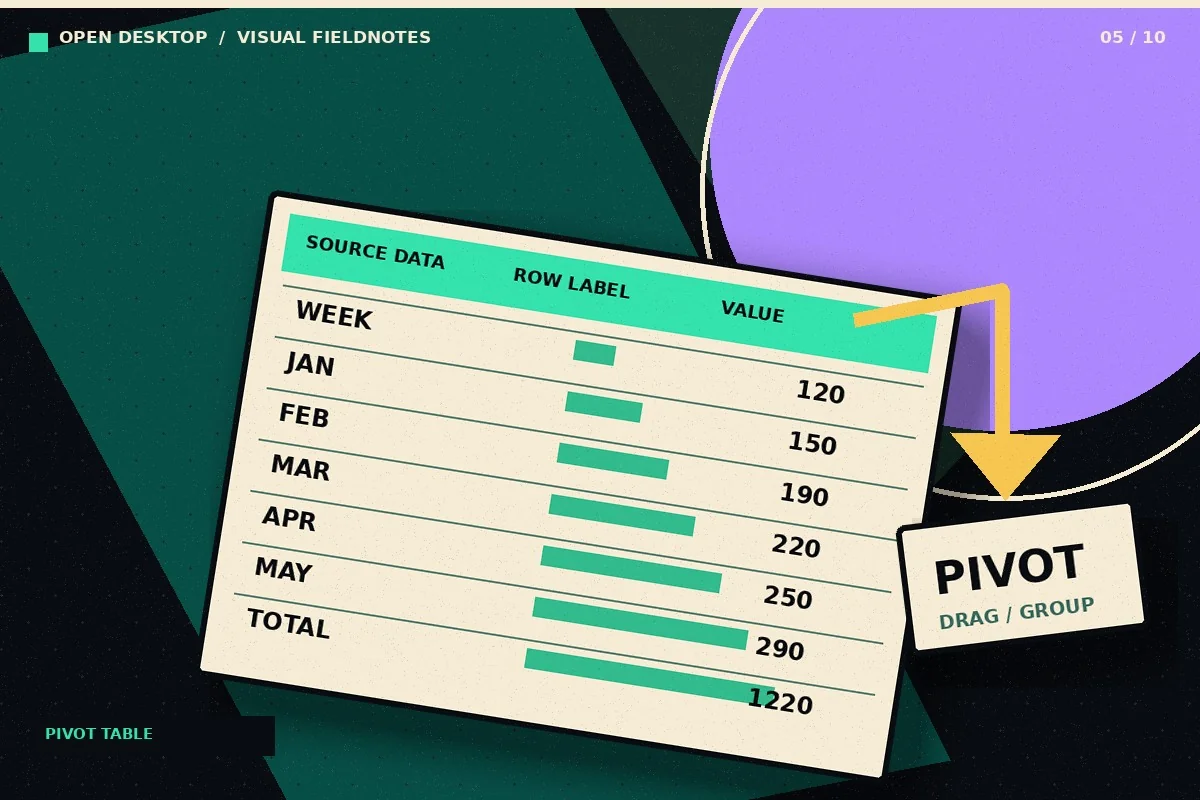 Calc · GUIDE
Create a Pivot Table in LibreOffice Calc: Step-by-Step
Turn a row-based transaction list into a summary by category and month using Calc pivot tables.
Read the guide ↗ Calc · GUIDE
Conditional Formatting in LibreOffice Calc: Highlight What Matters
Make an exception report that highlights overdue dates, large expenses, and unusual values without manually coloring cells.
Read the guide ↗ Calc · GUIDE
Make Charts in LibreOffice Calc from Clean Spreadsheet Data
Create a chart that answers one question, with labels and units that readers can interpret.
Read the guide ↗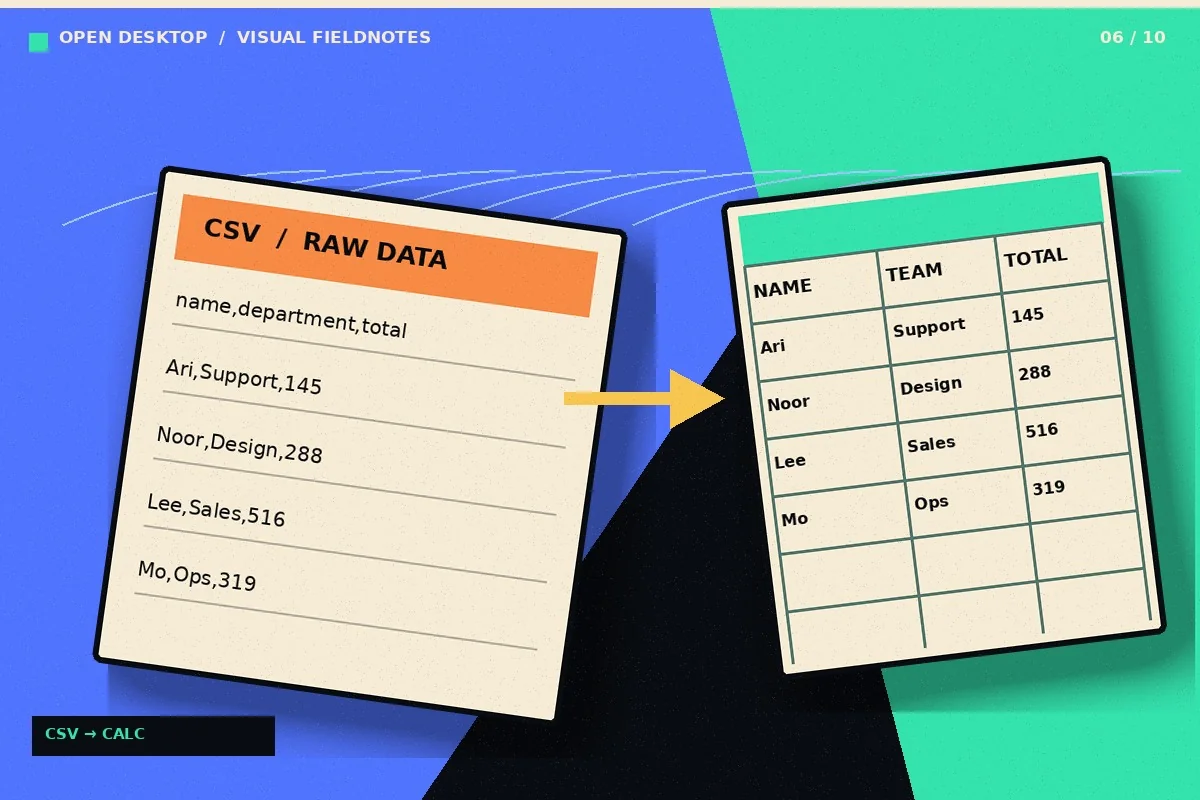 Calc · GUIDE
Import CSV into LibreOffice Calc Without Broken Columns
Control separators, encoding, and column types when opening data files in Calc.
Read the guide ↗ Calc · GUIDE
LibreOffice Calc and Excel: Test XLSX Compatibility Safely
Run a useful compatibility check on XLSX documents before depending on them for important work.
Read the guide ↗ Calc · GUIDE
Monthly Budget in LibreOffice Calc: A Practical Template Workflow
Create a manageable household budget with transactions, categories and a monthly summary.
Read the guide ↗ Calc · GUIDE
Sorting and Filtering Data in LibreOffice Calc Without Losing Rows
Filter records and sort tables without separating a value from the row it belongs to.
Read the guide ↗ Calc · GUIDE
Create a Simple Invoice in LibreOffice Calc
Build a reusable invoice spreadsheet with reliable line-item calculations and clear customer information.
Read the guide ↗