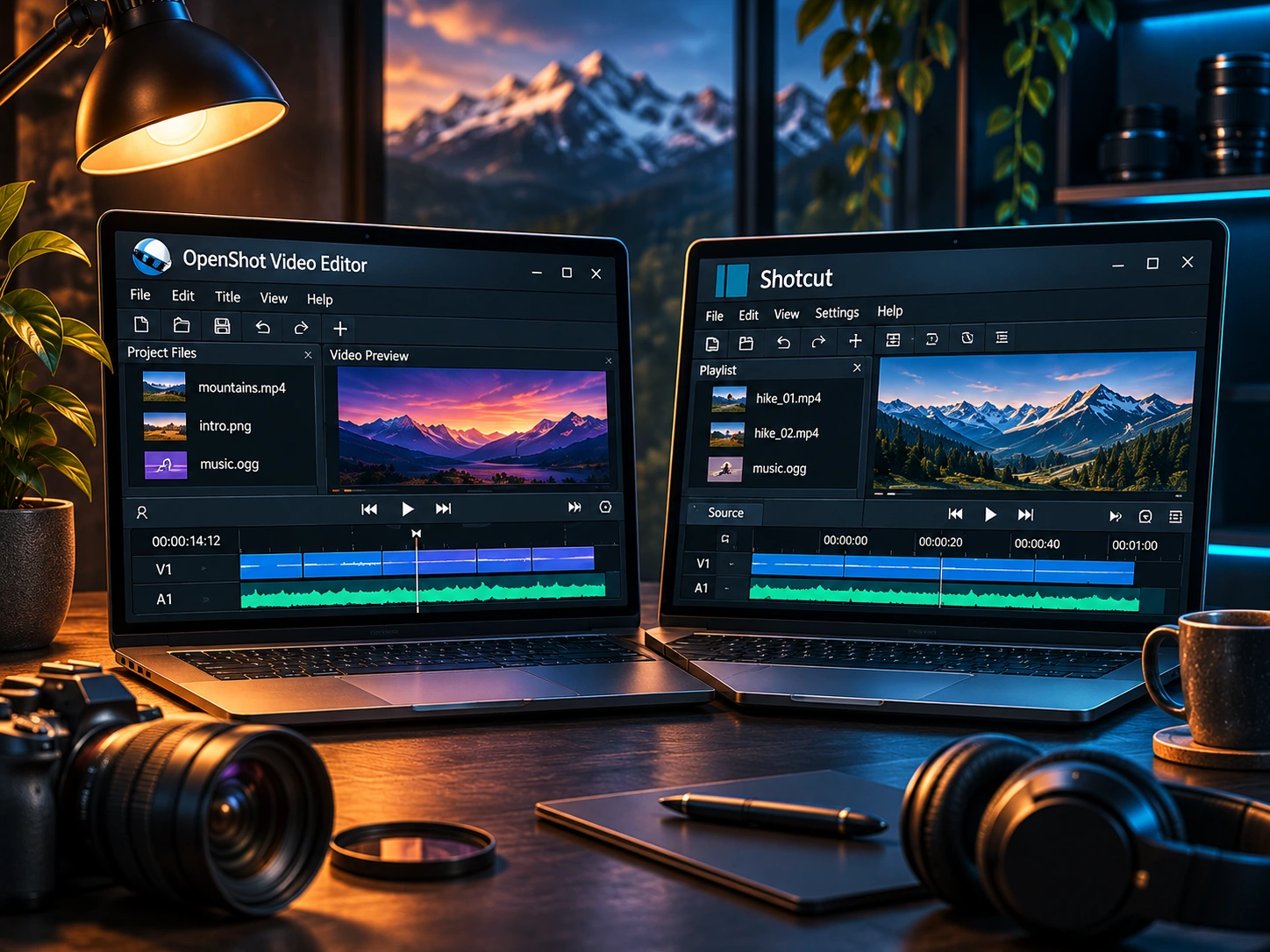
Both OpenShot and Shotcut are free, open-source editors that can assemble video clips on a timeline. The useful question is not which one wins a theoretical contest; it is which feels clearer when you need to finish a specific project.
A practical comparison at a glance
| Decision | OpenShot | Shotcut |
|---|---|---|
| Getting started | Friendly visual sequencing of clips and titles | More configurable workspace and filters |
| Basic edits | Trim, arrange, layer and transition | Trim, arrange, layer and filter |
| Learning style | Approachable for first-time timeline users | Rewards exploration of tools and settings |
| Best next step | Make a simple montage | Make the same montage and test your preferred filter workflow |
The five-minute test that reveals the difference
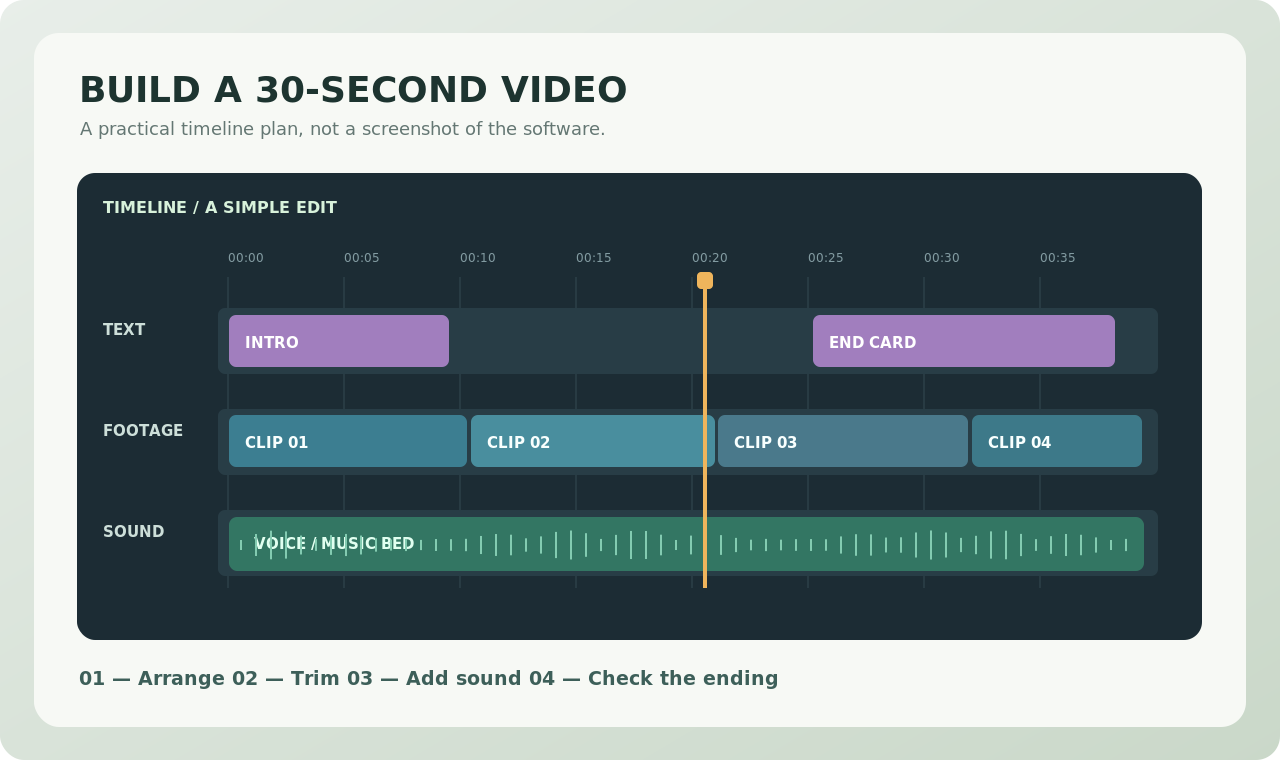
Use identical footage in both applications: three video files, one music track and a title. Import everything, remove an awkward pause, position the title over the opening seconds and export a short test. Keep the clips and export settings as similar as possible so you are comparing workflow, not content.
Where OpenShot feels simpler
OpenShot presents the sequence and its layers as the center of the task. For a family montage, quick training clip or classroom project, the straightforward timeline concept can help a beginner understand how imported media becomes a video.
That simplicity has limits: demanding workflows may still require careful source-file preparation, patience during preview or additional tools outside the editor.
Where Shotcut may be a better match
Shotcut is worth exploring if you enjoy adjusting filters and working with a customizable collection of editing panels. The interface may initially ask you to learn more vocabulary and controls. That investment can feel worthwhile if you return to the same set of effects regularly.
Neither editor makes weak footage good automatically. Clear sound, a good order of shots and consistent pacing usually matter more than advanced transitions.
Don't forget the export step
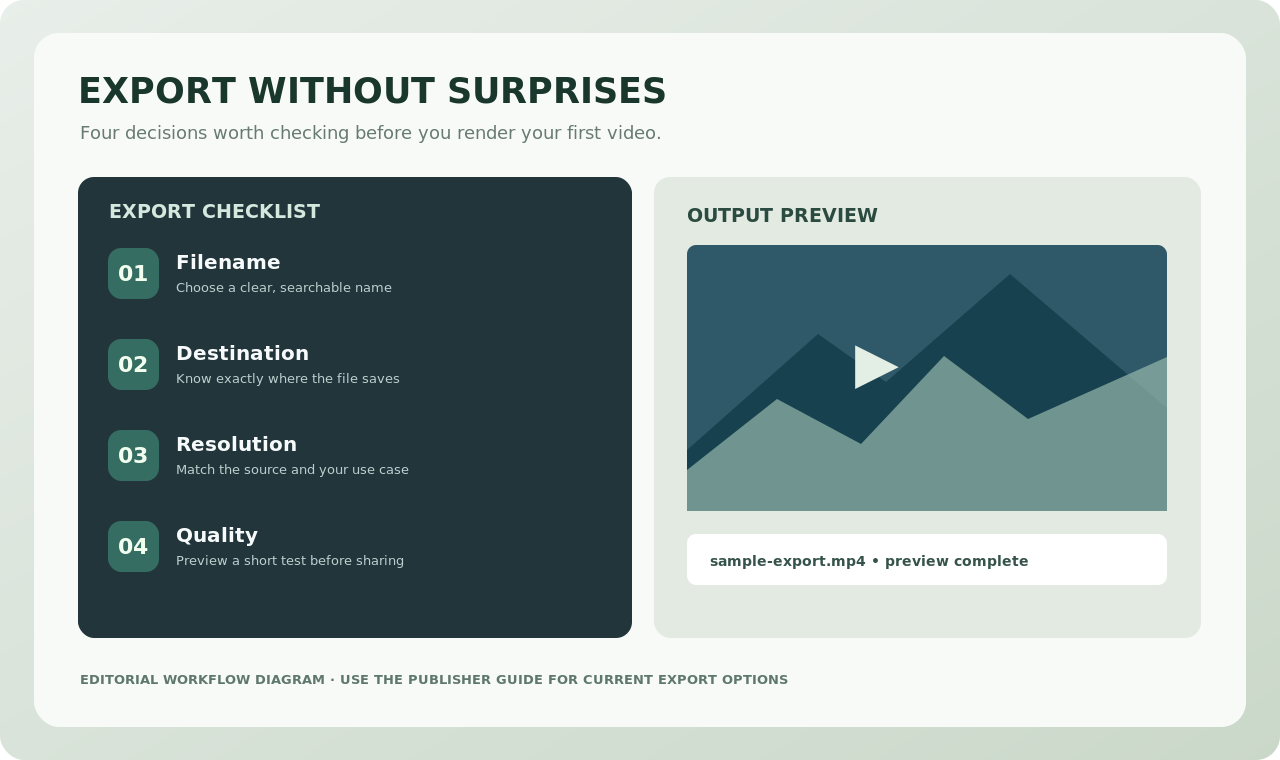
Your project file is not the video you send to a client or friend. Save the native project, then render a short output. Play it in a separate media player and verify that audio, text and timing all survived the export process.
Which should you try first?
If you are new to editing and need a first success, begin with our OpenShot walkthrough. If you enjoy exploring filters and customizing an interface, try Shotcut as well. The best result is the editor in which you can complete your recurring task comfortably.
Publisher references: OpenShot official website, Shotcut official website. Always check current platforms and releases directly with the respective publisher.