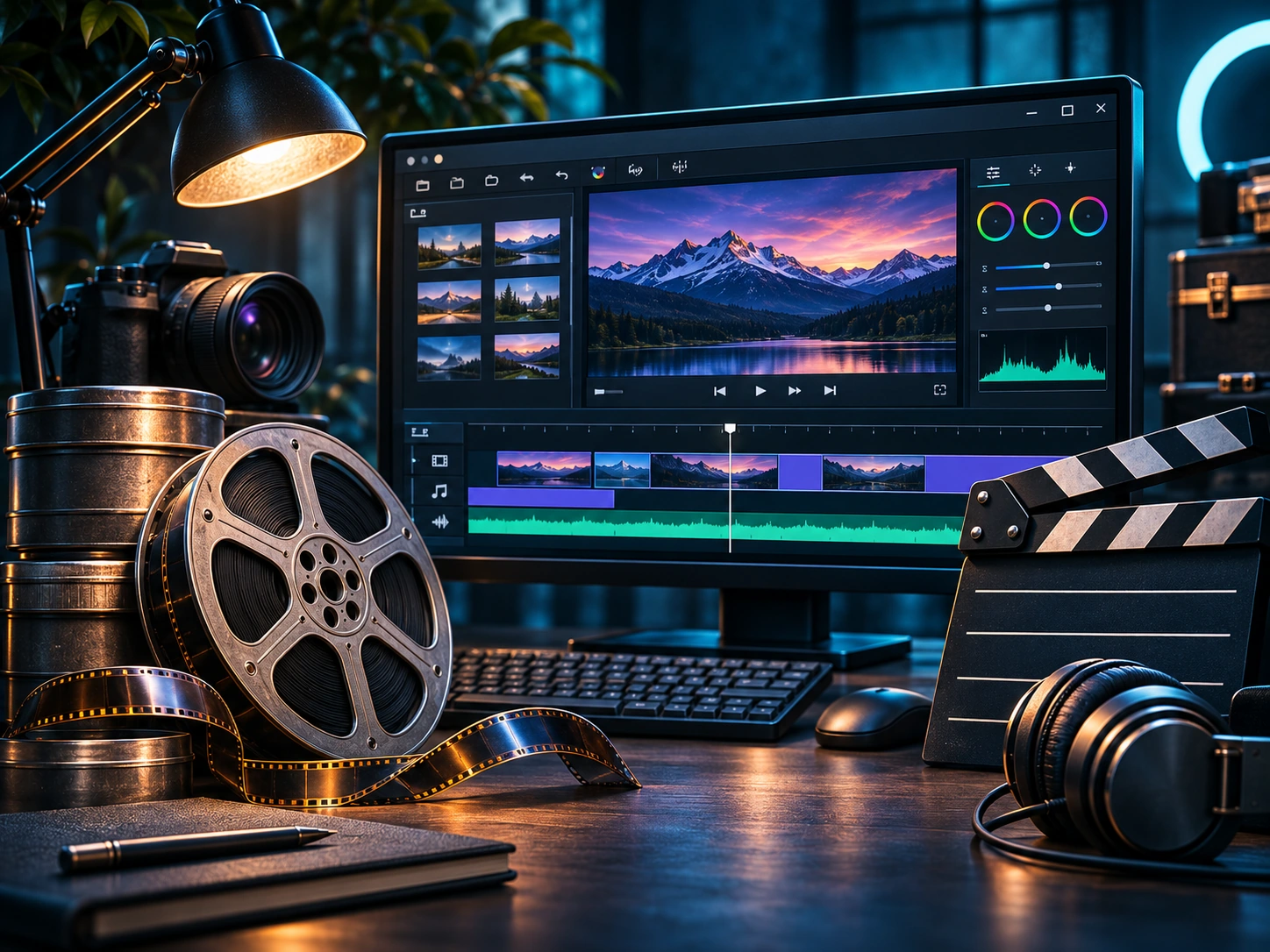
The best free editor for you depends on the video you need to make. A beginner joining phone clips has different needs from someone preparing a narrated tutorial or a heavily filtered montage.
First choose the project, not the feature list
Write down the three tasks you expect to repeat: perhaps trim clips, add captions, and export a file for a team meeting. If those are your main needs, begin with a simple timeline tool. If your work relies on specific video filters, look more closely at editor settings and compatibility.
Two editors worth testing
OpenShot offers an approachable timeline and a familiar import-preview-export sequence. Shotcut provides another open-source timeline environment with a configurable workflow. Both have strengths, and neither is guaranteed to suit every hardware setup or source file.
What to check before committing
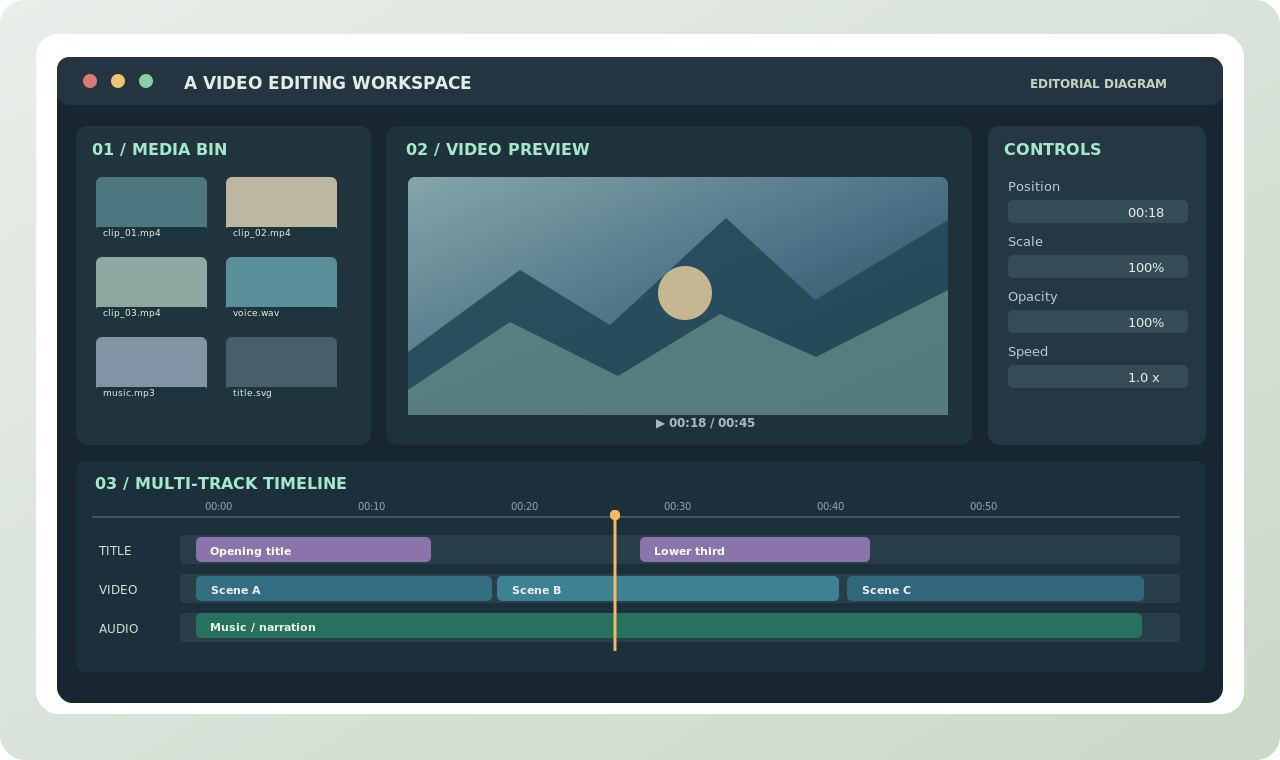
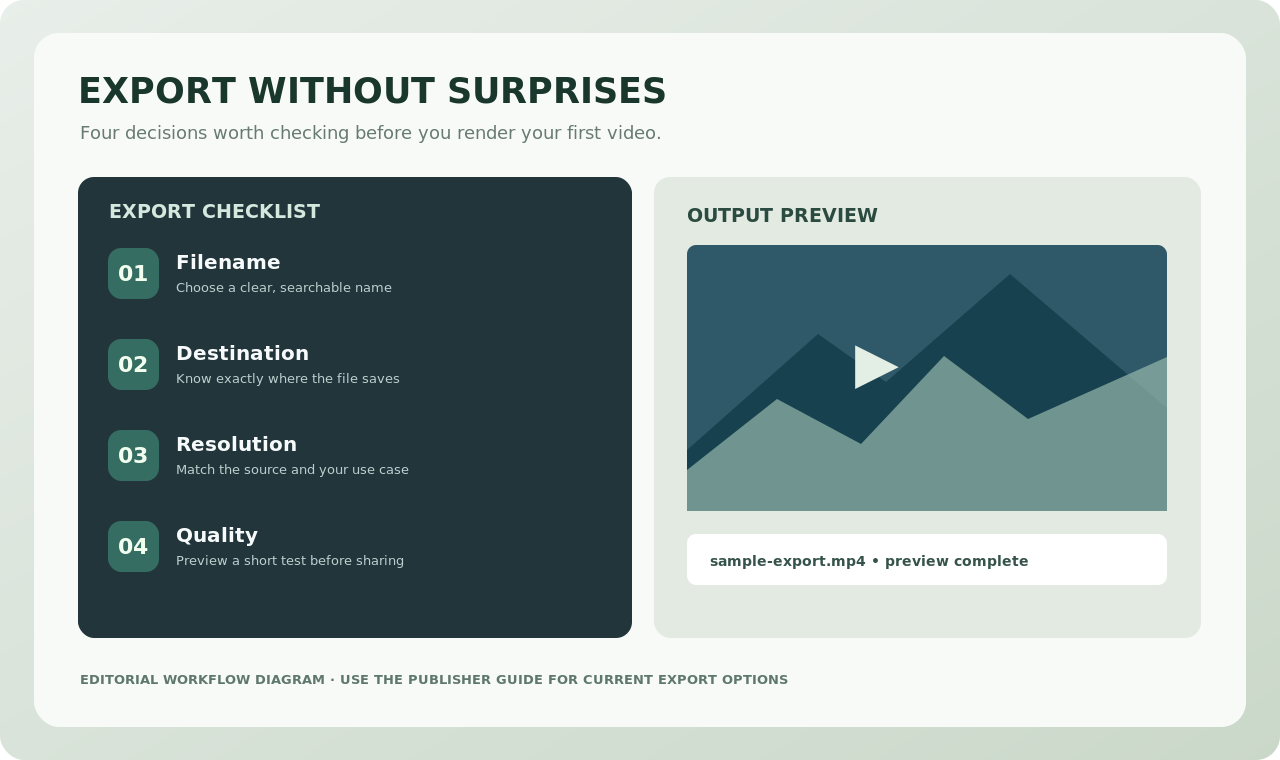
Test real footage from your phone, camera or screen recorder. Make a short edit, play the preview, and export. Confirm that audio and video stay in sync and that your computer remains responsive. Save the editable project and keep a separate copy of source files.
A simple test project
Collect three video clips, a title and a soundtrack. Arrange an opening, middle and ending, then remove obvious pauses. Export the result and review it away from the editor. Only after this test is it worth investing time learning advanced transitions or filters.
Start with trustworthy sources
Read our OpenShot beginner walkthrough and workflow comparison. For downloads and current features, go directly to the publisher: openshot.org or shotcut.org. Trebuchet does not provide software installers.