Shotcut offers a more configurable editing workspace. Here is when that flexibility helps and when it gets in the way.
By Trebuchet Editorial Desk··6 min read
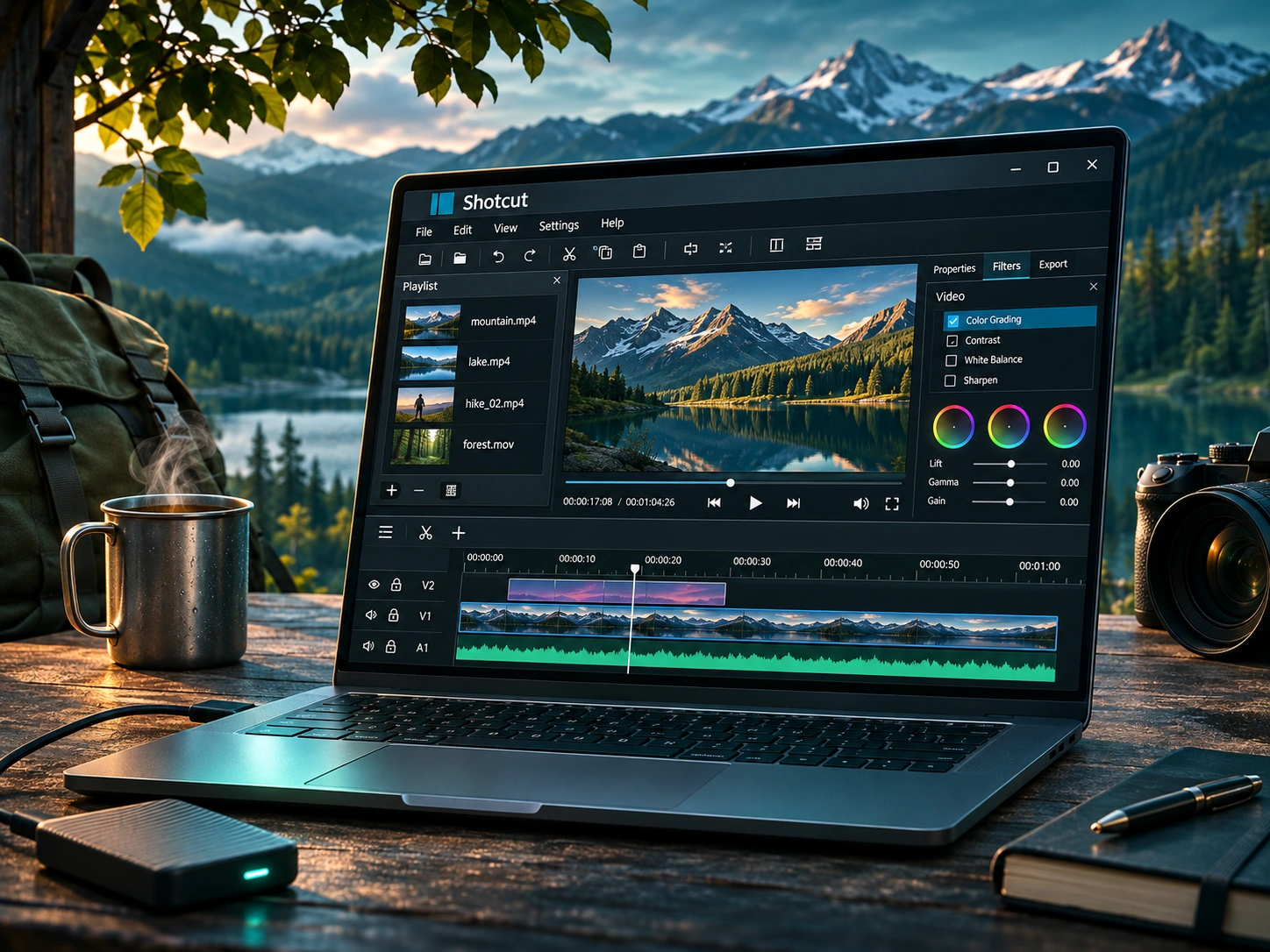
Original editorial artwork for Trebuchet. This is an illustration, not a screenshot of the software.
Shotcut belongs to a category of desktop tools that can handle useful everyday jobs without an ongoing subscription. The central question is not just whether it is free, but whether its workflow fits what you want to accomplish.
This editorial overview uses published product documentation and publicly available feature information. It is not a hands-on benchmark or security audit; readers should check current system requirements and product updates with the publisher.
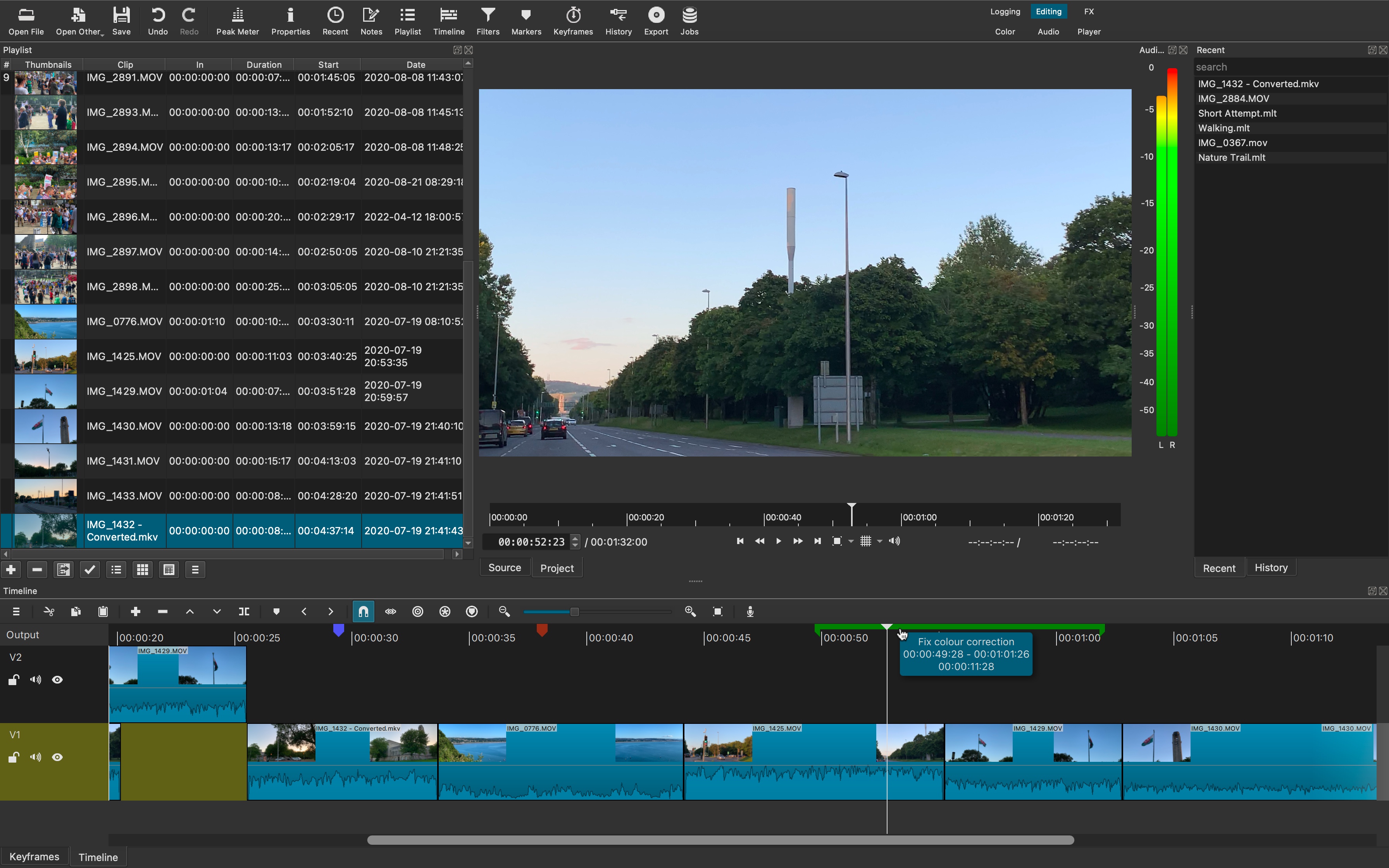
Interface reference · View source and context. Screenshot may show an older version; interface details can change.
Who is Shotcut for?
Editorial interface illustration (AI-generated); appearance may differ from current software versions.
Creators who want a configurable timeline and more control over filters and formats. It is worth listing the tasks you repeat each week before picking an application: an impressive feature list is less valuable than a tool that solves your recurring problem reliably.
Where it stands out
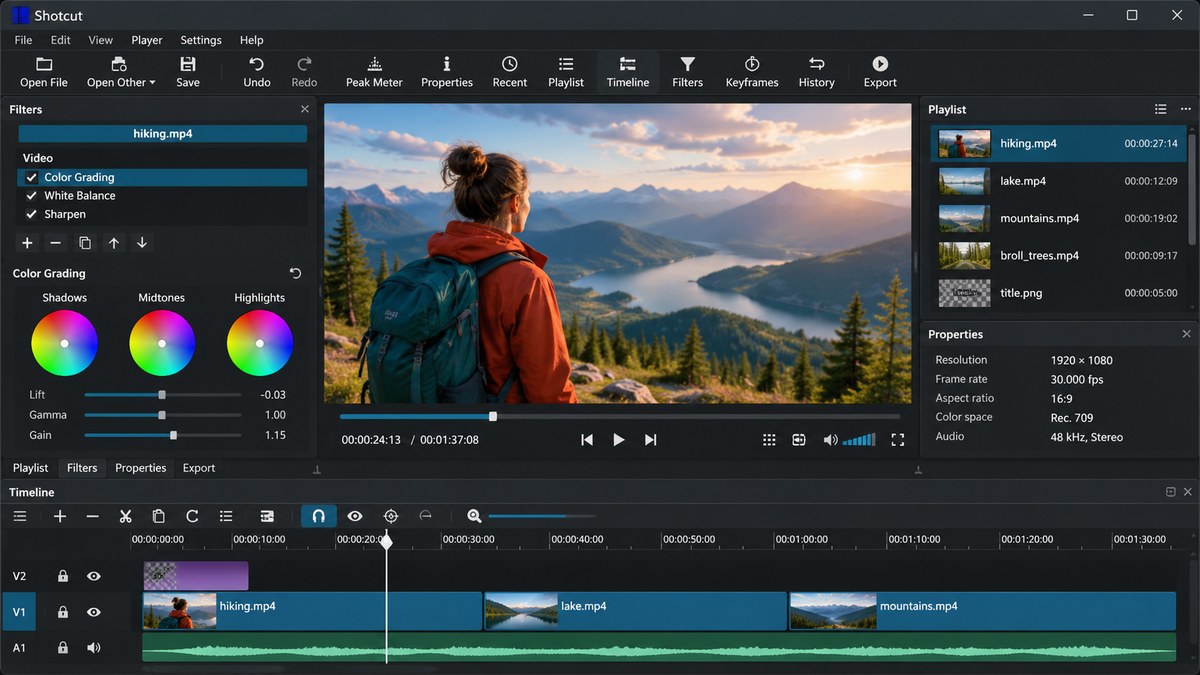
Editorial interface illustration (AI-generated); appearance may differ from current software versions.
Broad format support through FFmpeg
Flexible filters and timeline workflow
Free, open source, and cross-platform
These capabilities make the software worth considering, but the right fit depends on your files, device, experience, and tolerance for setup. Where possible, try a small sample project before moving important work into a new application.
Tradeoffs to know
Interface can feel dense to first-time editors
Learning keyboard shortcuts takes time
No free desktop tool is automatically the best choice for every user. Compatibility, documentation, backup options, and continued project maintenance matter as much as its headline features.
A sensible first-use checklist
Import one sample recording, set a project mode, split the clip at two points, apply one filter, then check the export settings before rendering.
Installation safety: use the publisher’s official website, verify the publisher and installer details, keep Windows protection enabled, and avoid unexpected download mirrors or bundled offers.
Our editorial verdict
Choose Shotcut if learning a more technical editor feels worthwhile for your projects.
Features make more sense when you connect them to a familiar task. The following examples focus on ordinary desktop workflows, common points of confusion, and the decisions that are easy to overlook when reading a list of specifications.
A little more control, a little more learning
Shotcut makes more sense after you understand the basic idea of clips and tracks. Its filters, panels, and export options provide useful control, but the number of visible choices can make a first session feel technical. Start by turning one raw clip into a short video rather than trying to master the entire workspace.
For a simple product demonstration, arrange an introduction, a close-up, and a closing shot. Trim silence, adjust the soundtrack and export a short file. Once the process is predictable, add titles and filters one at a time. A repeatable workflow beats a visually complicated edit that is difficult to revise.
Media files are not all alike
Two videos that look identical in Windows File Explorer can behave differently in an editor. Resolution, codec, variable frame rate and audio configuration all affect the editing experience. If your footage comes from several phones or a mixture of screen recordings and camera clips, test a representative file early.
Keep an untouched copy of the originals. Consider creating a folder for source footage, a folder for project files and a folder for exports. That simple organization prevents a common disappointment: opening an old project and discovering the source video was moved or deleted.
Reader tip: menus, screenshots and exact settings may change between software versions. Check the publisher’s documentation before following a step that affects important files.
Filters and transitions without overdoing them
Shotcut’s collection of filters is valuable when there is a specific visual or audio problem to solve. Cropping an unwanted edge, adjusting a clip that is too dark, or making a voiceover more intelligible has a clear purpose. Stacking multiple decorative filters because they look interesting usually makes the video less coherent.
Before sharing an edit, watch it on a second device at ordinary volume. If captions are too small or an effect makes the image hard to read, those problems become obvious quickly. You can learn more from that check than from staring at the same preview window for another hour.
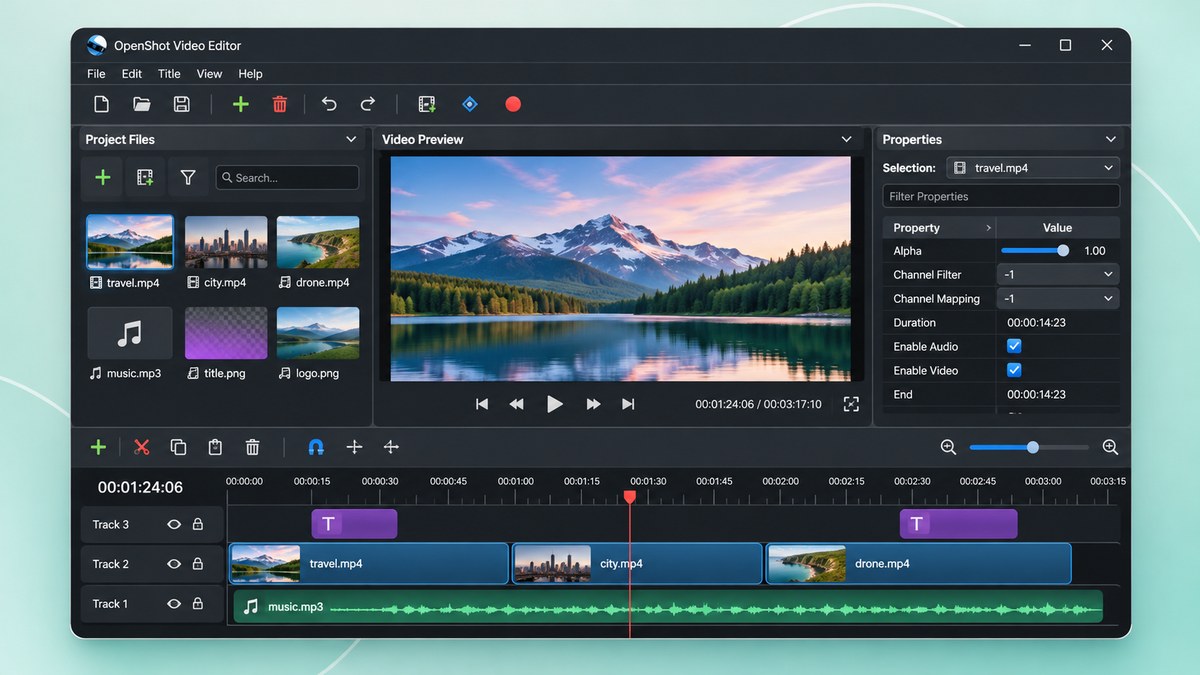
Who should pick Shotcut over OpenShot?
Choose Shotcut if you are willing to spend more time learning a flexible editing workflow and expect to keep making videos. Choose OpenShot if you care most about a gentle entry point and quick basic timelines. Neither choice needs a subscription, but neither makes slow hardware disappear.
A sensible comparison is to take the same 45 seconds of footage into both editors, add one title and export a video. The editor in which you feel less lost may be the best long-term fit, regardless of which one has the longer features page.
Before you commit important work
Make a small test project with files that are safe to experiment on. Confirm that the result opens, that you understand where it was saved, and that a backup exists for anything irreplaceable. Even popular software can behave differently across Windows versions, hardware configurations and file formats.
Also consider who will receive the result. A technically impressive export is not helpful if a collaborator cannot open it, the text is unreadable or the accounting report does not match the source records. Choose settings and formats with the end user in mind rather than treating the default option as universally correct.
Finally, use the official publisher website for current downloads, release notes and system requirements. This journal links to publishers and reviews software workflows; it does not distribute installers or claim that the applications were benchmarked in our lab.
Editorial disclosure: this is an independent informational article. Trebuchet is not affiliated with Shotcut. We do not host installers or claim endorsement from the publisher. No hands-on testing is asserted.